
Everything New In Your Bundle This Week

People ask me what’s actually inside the ResultsAiX Bundle, and a list of plugin names doesn’t really answer it. So here’s the tour, grouped by the job each plugin does in a business. Your website, your list, your email, your sales, your tracking, and the bits that tie it all together.
The short version first. The ResultsAiX Bundle is every ResultsAiX plugin plus the ResultsAiX Theme, unlocked by one licence key. Every plugin I ship while your bundle is active lands in your account at no extra cost. It all runs on your own WordPress site, and the AI features use your own OpenAI, Claude or Gemini key, with no caps added by me.
Your Website
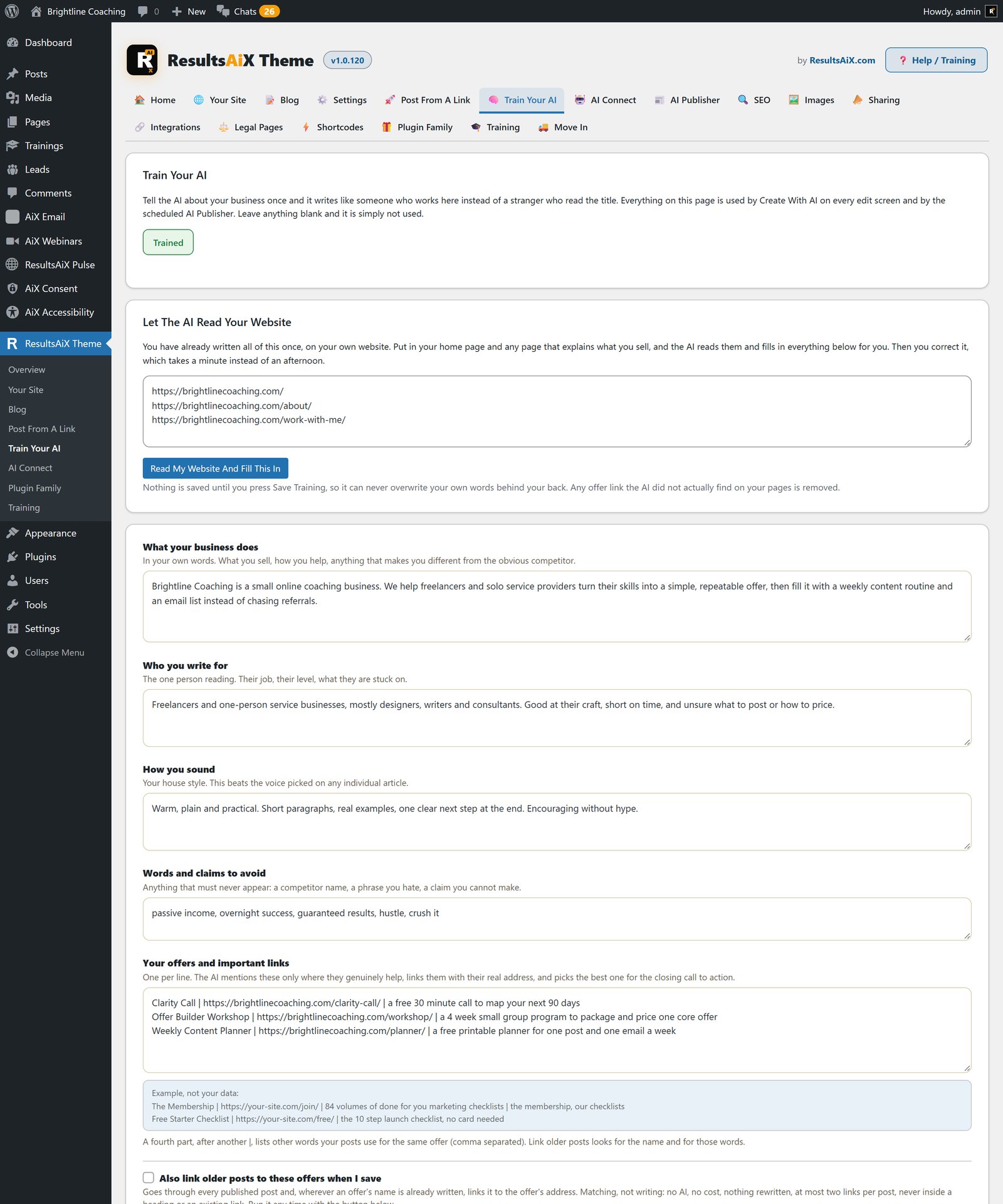
The ResultsAiX Theme is the base everything else sits on. Create With AI is on every edit screen, and it writes the draft, the pictures, the internal links, the FAQ and the SEO from your brand brief. You get 4 site layouts and 10 colour schemes, switchable per site or per page, built in SEO and lead capture, and a members area with trainings and progress tracking. It recognises the other plugins in the family and wires them into your pages. I moved my own pages across in minutes, and here’s how that went.
ResultsAiX Accessibility PRO puts an Accessibility button on every page. Visitors get reading profiles, colour modes, reading aids and Listen, which reads the page aloud using the voices already on their device, so it costs you nothing to run. On your side, thirteen checks run on every post and page you save, and Fix with AI writes alt text from the picture itself and puts heading order right. It also makes your Accessibility Statement page and a report a problem link in one click. One line of script puts the same panel on any HTML page, WordPress or not.
ResultsAiX Consent is a cookie banner that holds tracking scripts back on the server until the visitor says yes. Google Consent Mode v2 is wired in with everything starting denied, it speaks ten languages, and it keeps exportable proof of every answer without storing raw IP addresses. A weekly scan emails you when a new tracking service turns up on your pages.
ResultsAiX Search gives your whole site Google style search as visitors type, grouped by content type with their words highlighted. There’s a Ctrl+K spotlight, synonyms and pinned results, and insights that show you what people searched for and couldn’t find. The PRO side, which the Bundle unlocks, adds Member Activity, Ask AI and the AI Analyst report. Search is only available inside the Bundle. More on it in this guide.
Free HTML To WordPress Page does one job well. Upload an HTML file and it’s a live WordPress page that renders exactly as designed, with no page builder and no FTP.
Growing Your List
ResultsAiX Engage turns the traffic you already have into subscribers. It has 20 campaign types, including popups, sticky bars, slide-ins and chat callouts, shown on exit intent, scroll depth, time on page or a click. It connects to 38 autoresponders, does split testing and geo targeting, and handles cookie notice and disclaimer bars too. The PRO side adds the AI copywriter, Spin To Win and dynamic text.
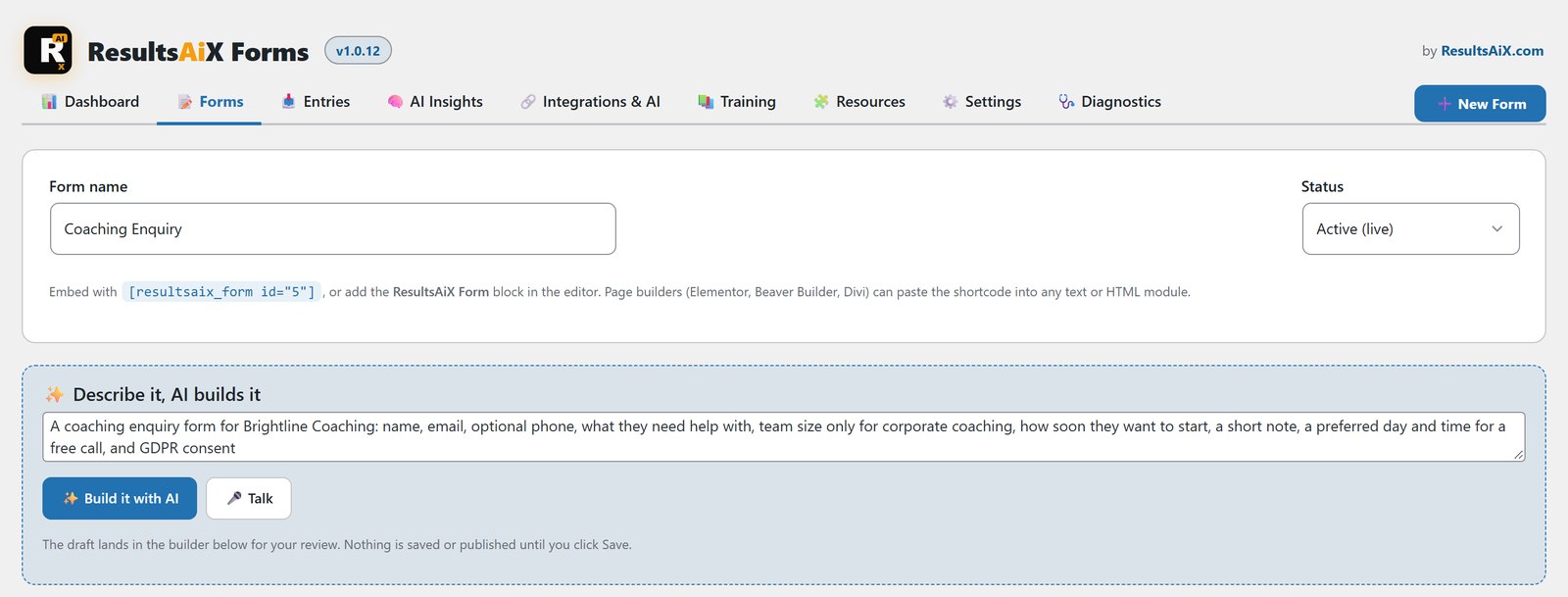
ResultsAiX Forms builds a whole form from a plain English description: fields, validation and the thank you message. There are 19 field types, five layers of invisible spam protection with no CAPTCHA, and every submission shows where the person came from, their device and their campaign. Entries go straight to ResultsAiX Mailer, or anywhere else through WP Sync.
ResultsAiX Surveys writes a whole survey, the opt-in step and the thank you page from one sentence. It asks one question at a time with a progress bar, so more people finish. Up to 50 answer rules per survey send people to different lists, tags and pages, it connects to 12 autoresponders, and AI Insights turns real answers into a summary and next steps. I wrote up how I use it.
Free List Building Website is 96 done-for-you opt-in funnels across 13 niches, each with the report, squeeze page, download page and graphics, plus a Traffic Toolkit with over 1,440 promo pieces already written. It runs as a WordPress plugin or as plain HTML, works with 15 autoresponders, and a PDF rebrander puts your own links inside the reports.
Free Consumer Reports gives you report funnels in consumer niches, with squeeze pages, download pages and your affiliate links put in for you. In the Bundle that’s 50 report funnels across 8 niches.
Your Email
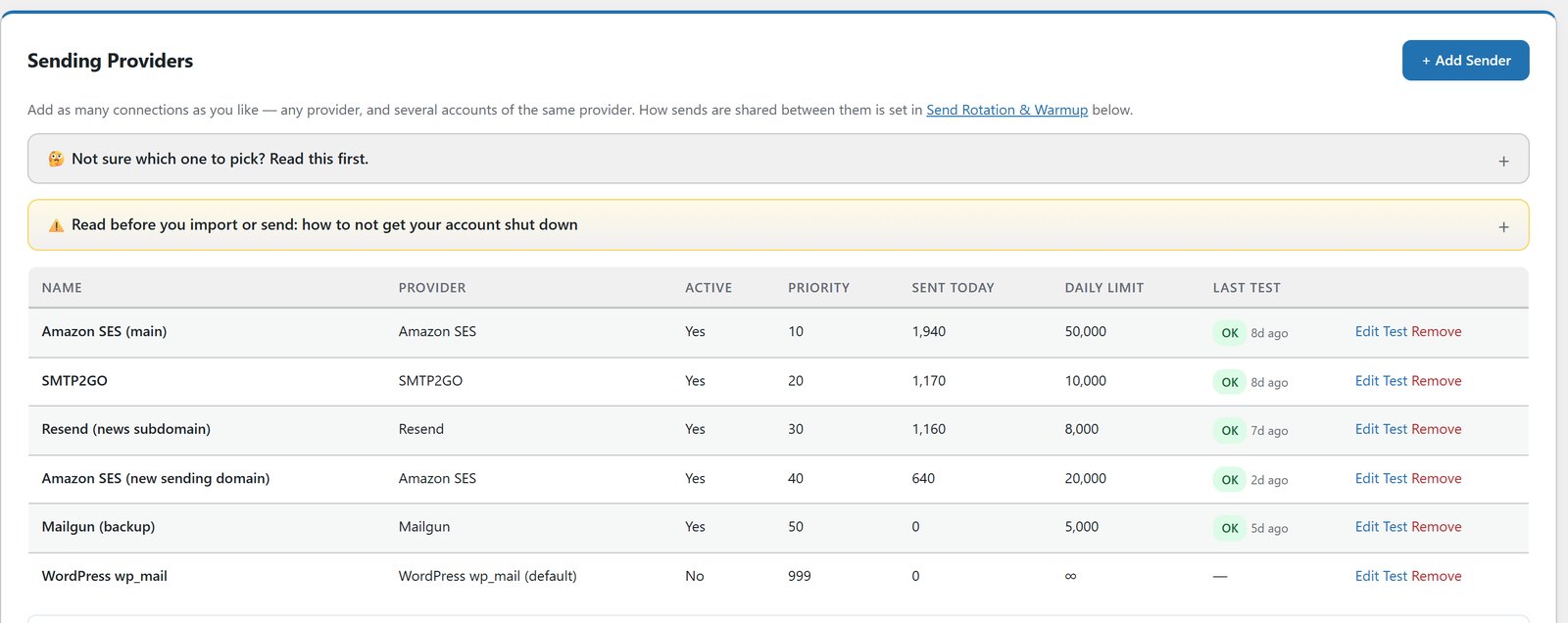
ResultsAiX Mailer keeps your email list in your own WordPress database. Unlimited subscribers and no sending limits from me. Emails go out through your own sending service, such as Amazon SES, Resend or SMTP2GO, and you pay that provider directly, often cents per thousand emails. You get broadcasts, visual automations with triggers, waits and if/else branches, opt-in forms, and AI trained on your own emails that writes automations, emails and forms. There are 12 sending services with automatic failover, and imports run in Safe Mode by default with one click rollback. It does the job of ActiveCampaign or AWeber without a bill that climbs every time your list grows, and this post goes deeper.
ResultsAiX Email is a library for every autoresponder email your business needs. A grid of every product against every purpose shows which emails you don’t have yet. Tick the gaps and AI writes them in your voice, ten at a time, and it checks every email against your own house rules each time you save and again every night. Email is only available inside the Bundle.
Selling
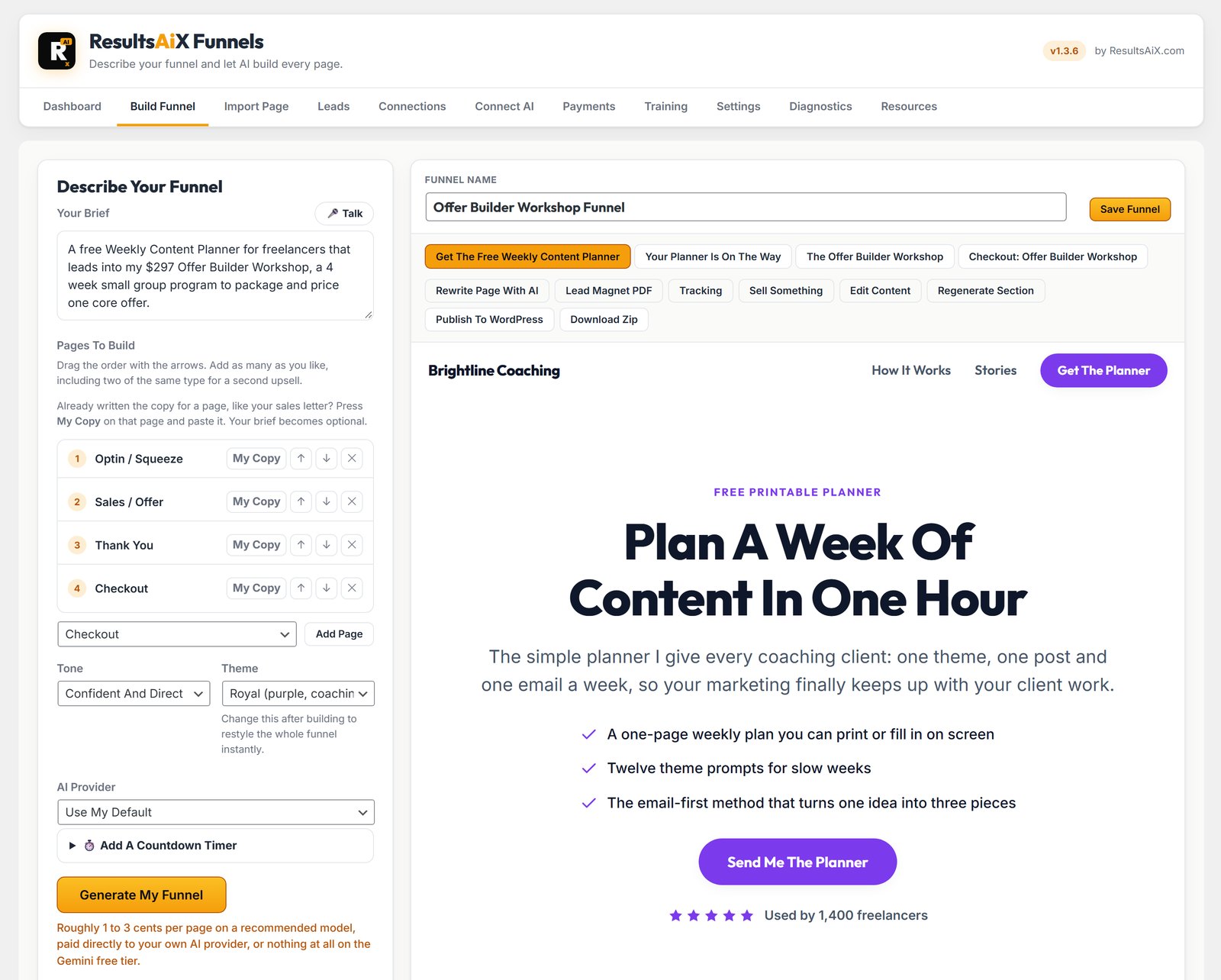
ResultsAiX Funnels takes one sentence and builds a full funnel: opt-in, sales, webinar, download and thank you pages, from hand-built responsive sections that hold together on phones. Publish to WordPress in one click or export the funnel as a zip. You can import an existing page by URL and rebuild it, and rewrite any page with AI later. Connect your own Stripe and you can sell downloads, posted products and subscriptions from Buy Buttons, with the money going straight to you. It does the job of ClickFunnels on your own site, and here’s how they compare.
Digital
A signed download link that expires after thirty days, on the receipt page and emailed to the buyer.
Physical
Stripe collects the delivery address. Choose the countries you post to. One button marks it posted and emails the buyer.
Subscriptions
Monthly or yearly, with every renewal recorded as it happens.
ResultsAiX Membership runs your members area. Courses with drip, protection for pages, files and whole folders, five payment gateways on one member record (Stripe, JVZoo, Warrior Plus, ClickBank and PayPal), an AI Helper that builds a course from a sentence, and an importer that keeps your level IDs and join dates. Protection keeps working even if a licence lapses. I moved 8,520 members across with it, and the full guide is here.
ResultsAiX Sign gives you legally binding e-signatures on your own site, with no per envelope fees. Unlimited documents and signers, signing order, 20 agreement templates, sealed PDFs with a Certificate of Completion and a full audit trail. The PRO side adds AI Draft, AI Localize, reminders, bulk send, your branding and webhooks.
ResultsAiX Testimonials collects, verifies and shows real reviews. One click imports your Warrior Plus reviews, de-duplicated and badge stamped. Photo, video and text reviews are all supported, including video recorded in the browser, and you can show them as walls, carousels, popups and sidebars, or on non WordPress pages with a script embed.
ResultsAiX Webinars runs automated, recorded and live webinars with no per attendee fees. AI writes, designs and narrates a full webinar from your topic, audience and offer. Play any recording as a simulated live session on a schedule, or go live from your browser with camera and screen. Registration pages, reminders, replays, live chat and timed offers are all there, and AI writes the eight follow-up emails. Here’s the walkthrough.
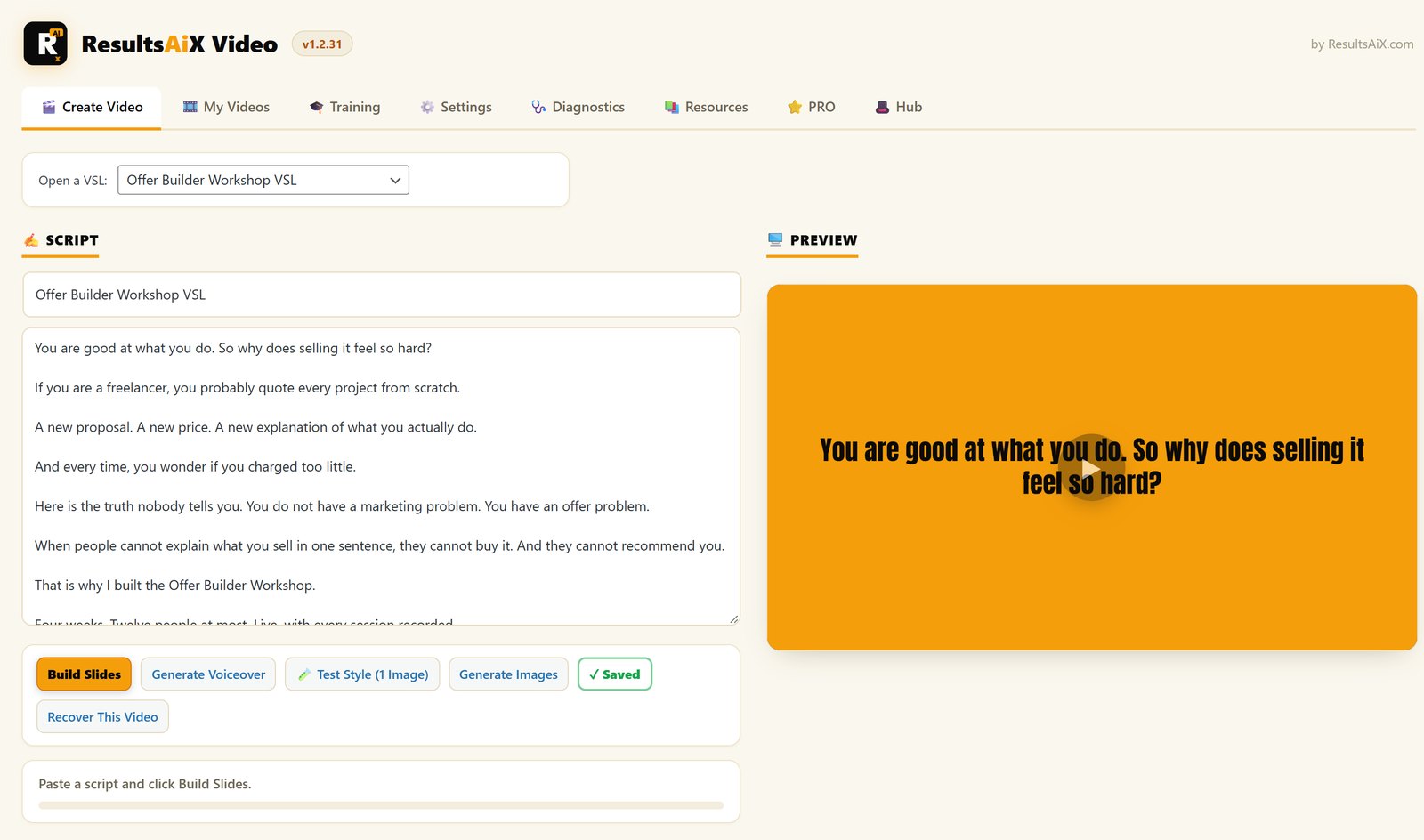
ResultsAiX Video clones your voice from about two minutes of samples, then turns any script into slides and a finished MP4 narrated in it. Same script, 16:9 for YouTube and sales pages or 9:16 for Reels, Shorts and TikTok. No per video charges and no render credits. PRO adds background music, motion, automatic captions, a brand kit and more voices.
ResultsAiX Publisher turns one sentence into a print ready book for Amazon KDP. Coloring books, activity books, journals and planners, and full color story books. Character-Lock keeps the same character on every page and the cover, interiors are true 300 DPI with the spine worked out for you, and a listing kit gives you titles, keywords, categories and 3D mockups.
Tracking, Ads And Testing
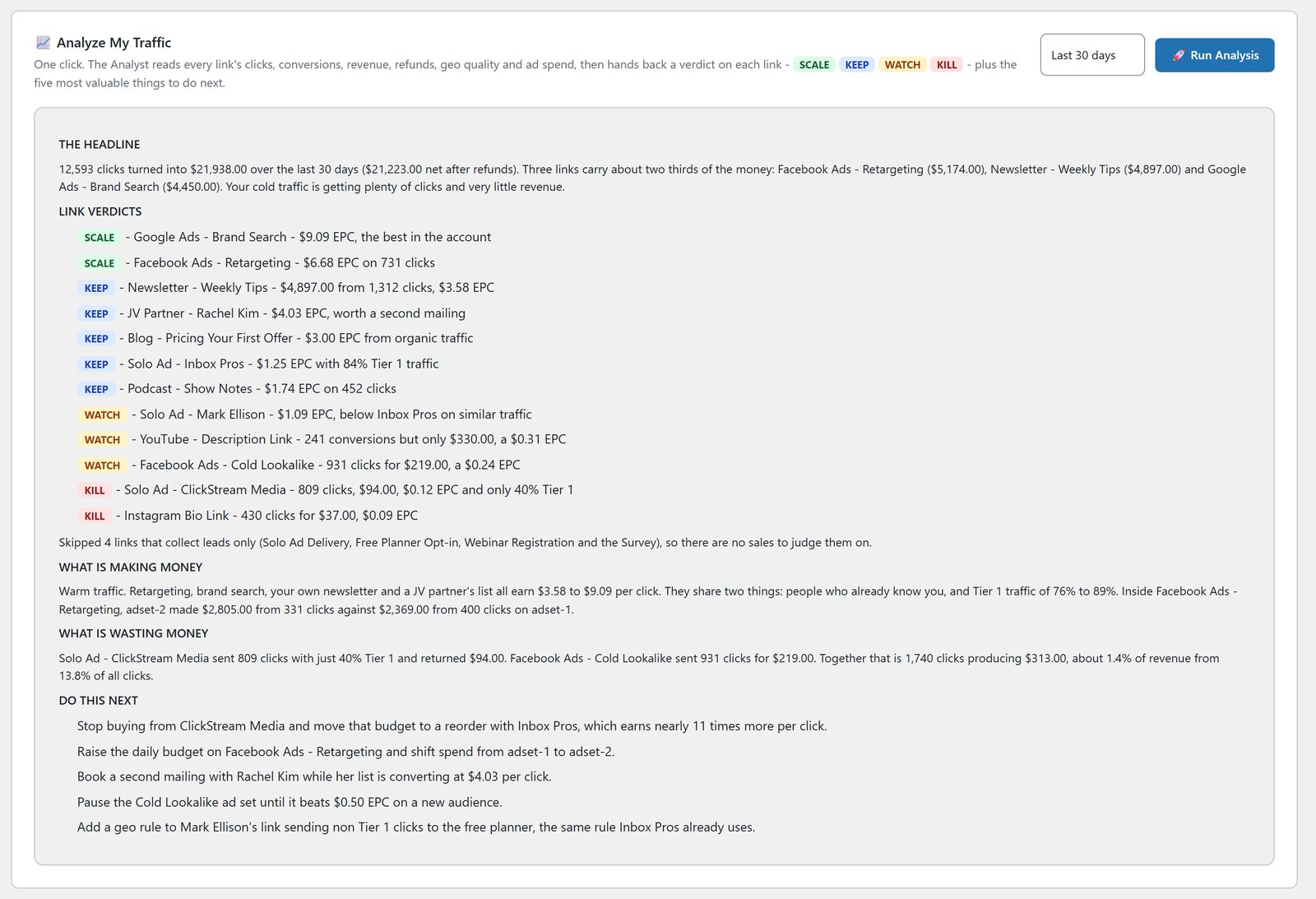
WP Conversion Tracker AI logs every click, lead and sale on your own server. Its AI Traffic Analyst reads your numbers and tells you what to scale and what to switch off. Split testing, link rotators, Warrior Plus and JVZoo Connect, Stripe Connect, cross domain tracking, and first or last click attribution are all in there. If you’ve paid for ClickMagick, read this.
ResultsAiX ADs reads any page or product and writes every ad in five angles, in your voice, fitted to each network’s limits. One master picture is cropped to 10 network sizes. It builds Google Ads and Facebook and Instagram campaigns in your own accounts, always paused, tracks clicks from the big networks to the lead and the sale, and sends conversions back. Autopilot checks every network against real sales each day and emails you when something needs a decision. It never changes anything by itself.
ResultsAiX Optimize split tests any page and picks the winner by the money it makes, with refunds taken off the version that caused them. Tests run without flicker, there are heatmaps and session replays, and the statistics never call a winner early. Optimize is only available inside the Bundle.
Launch Manager AI is for JV launches. Scrape any Warrior Plus or JVZoo contest leaderboard in one click, merge the same partner across both platforms, and track who promotes you back and who only takes. Its AI ranks who to contact next and writes the outreach, and you get branded PDF partner reports and a launch calendar.
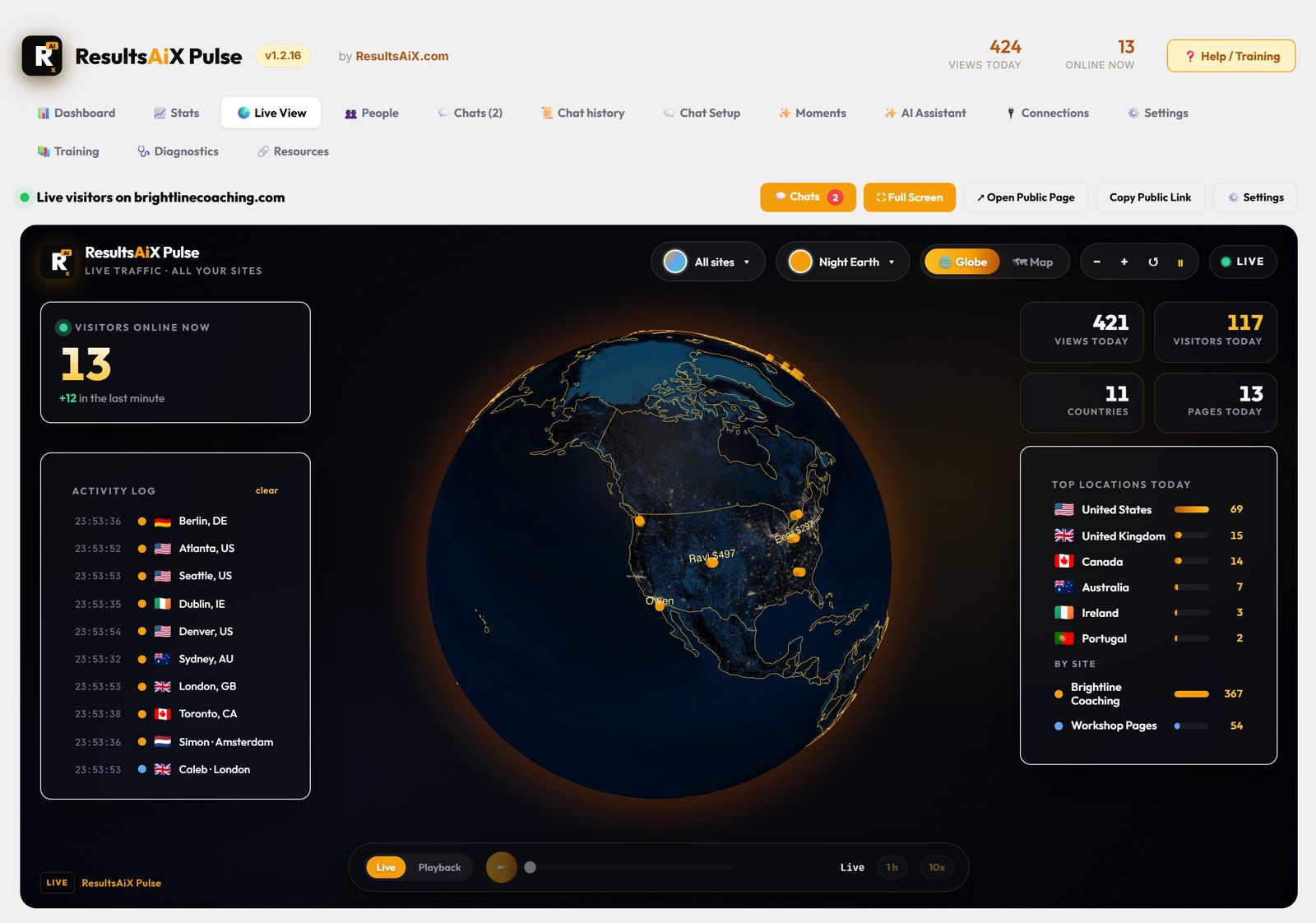
ResultsAiX Pulse shows every visitor on every site you own on one live globe. It recognises your subscribers and buyers by first name, opens a chat on a visitor’s screen with one click, and your own AI assistant answers from what you teach it and hands over when someone asks for a person. Pulse is only available inside the Bundle. Here’s how it works.
Tying It Together And Looking After Customers
WP Sync puts every sale and lead onto your list and into your other tools automatically. Bridge any autoresponder to any other, run unlimited bridges with no task meter, and delay any step by minutes, hours, days or until a set date. It does the job people pay Zapier or Make for, and here’s the comparison.
ResultsAiX Support Desk is your own help desk in WordPress. AI answers first on your contact page, from your own articles, with the sources shown. Customers sign in with one click and no password, and it knows what they bought and their licence keys. Every ticket is sorted on arrival, and drafts for refund and billing tickets wait for your approval before anything is sent. It imports your history from Freshdesk, other help desks or CSV. Screen by screen tour here.
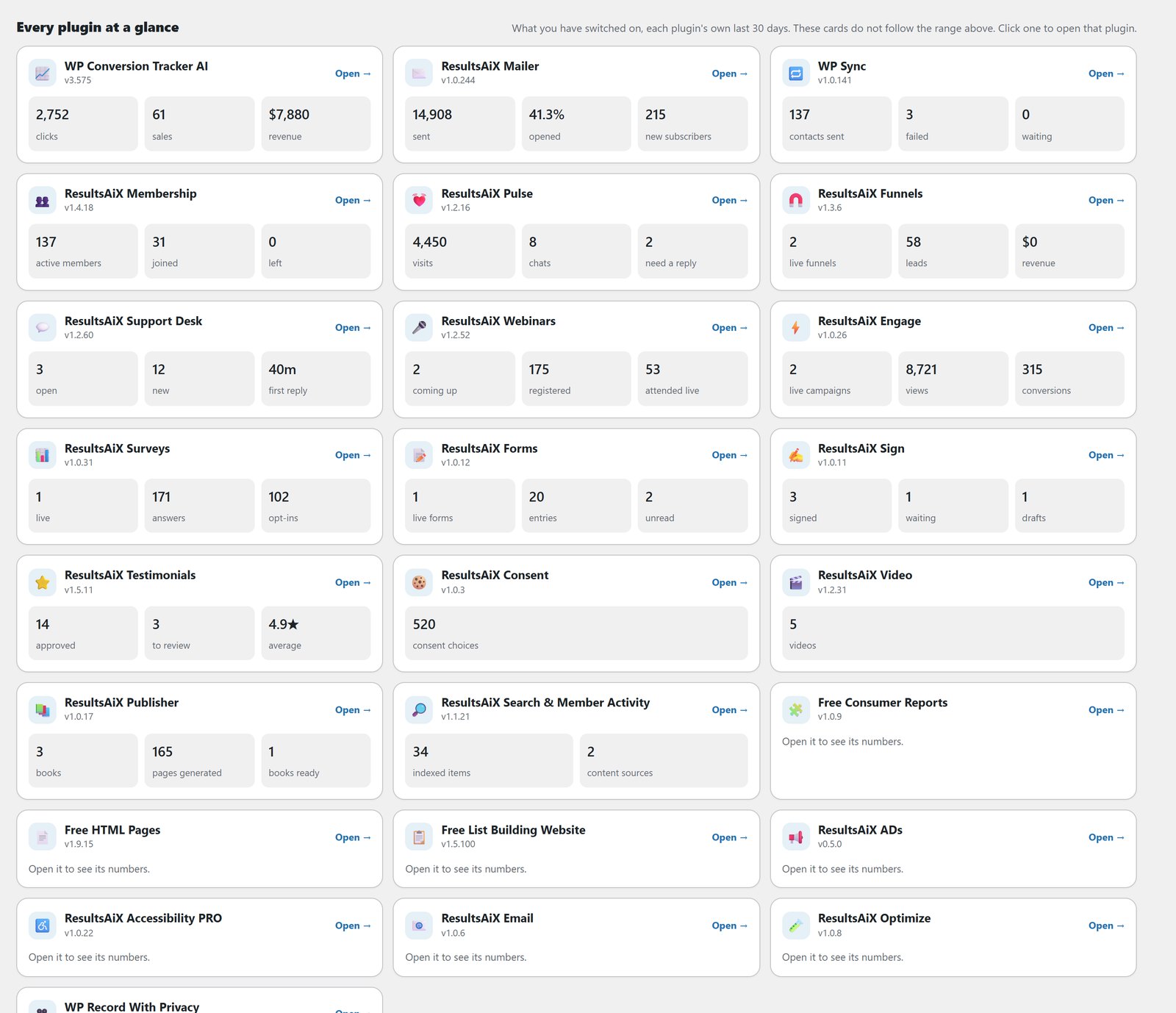
ResultsAiX Hub puts every ResultsAiX plugin you own on one screen. Revenue, new people, visitors, emails sent and open tickets, each counted once, for any date range, with licences, one click updates and diagnostics in the same place. More on the Hub.
WP Record With Privacy hides emails, names, IP addresses, phone numbers, addresses and prices in wp-admin with one switch, so you can record tutorials without leaking customer data.
What The Bundle Covers
Every plugin comes with a three site licence, free updates and one support desk. Where a plugin has a PRO edition, the Bundle key unlocks it: Engage, Video, Sign, Testimonials, Search and Accessibility. Search, Pulse, Optimize and Email are only available inside the Bundle.
If you run more than three sites, Bundle 10X covers the same Bundle on 10, 25, 50, 100, 250 or 500 sites, for your own and client sites. Details are on the Bundle 10X page.
Bundle members also get Newbie Success Formula in their members area, the step by step path from a blank screen to a website, a list and a first affiliate campaign.
Where I’d Start
If you’re new to all of this, don’t install everything on day one. Start with the Theme, so the site looks right. Add Mailer and one way to collect emails, Engage or Forms. Then Funnels and WP Conversion Tracker AI once you’re sending traffic. Everything else will still be there when you need it. And if you want to see how they fit together in a real business, these are the ten I use every day.
Questions
Do I get new plugins when they come out?
Yes. Every plugin I ship while your bundle is active lands in your account at no extra cost.
How many sites can I use it on?
Three per plugin. For more, Bundle 10X covers 10 up to 500 sites.
Do I need my own AI key?
For the AI features, yes. You use your own OpenAI, Claude or Gemini key and pay the provider directly. I add no markup and no caps.
Is email sending included?
No. Mailer sends through your own sending service, such as Amazon SES, Resend or SMTP2GO, paid to that provider. I add no subscriber or sending limits.
Which plugins can I only get in the Bundle?
Search, Pulse, Optimize and Email aren’t sold on their own. Every Bundle owner has them.
Do I get the PRO editions?
Yes. Where a plugin has a PRO edition, the Bundle key unlocks it: Engage, Video, Sign, Testimonials, Search and Accessibility.
Whose Stripe account do payments go through?
Yours. Connect your own Stripe to ResultsAiX Funnels and the money goes straight to you.
Every plugin, every update, every plugin still to come
One bundle covers everything mentioned in these updates and everything that ships after them, at no extra charge, running on your own WordPress site.


1 comment
Comments are closed.