Everyone manages their own password and two-step sign-in under My account.
Where to find it:
Click your name at the bottom of the menu. My account opens.
Change your password:
- Type your Current password.
- Type the New password and type it again in Confirm new password. At least 10 characters, with a letter and a number.
- Press Update password.
Turn on two-step sign-in:
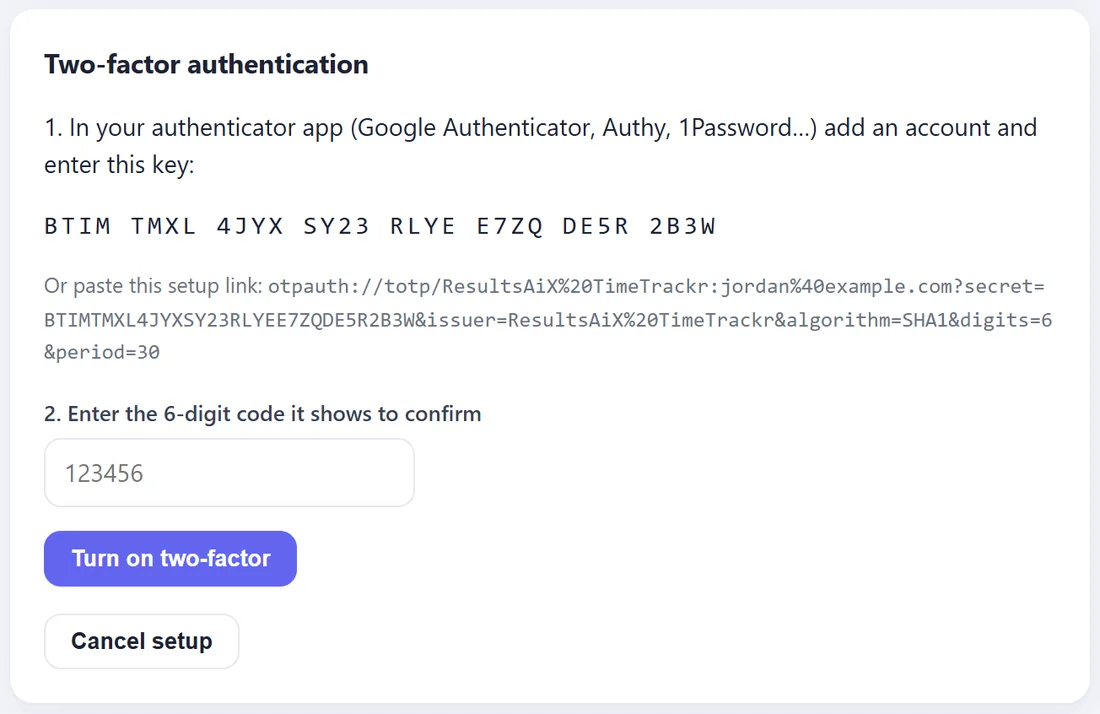
Two-step sign-in asks for a 6-digit code from an app on your phone as well as your password. Any authenticator app works, such as Google Authenticator, Microsoft Authenticator or 1Password.
- Under Two-factor authentication, press Enable two-factor.
- In your authenticator app, add an account and type the key TimeTrackr shows. Some apps let you paste the setup link shown under it instead.
- Type the 6-digit code the app shows, then press Turn on two-factor.
Press Cancel setup if you want to leave it for later.
From then on, after your password TimeTrackr asks for the Authentication code from the app.
We recommend it for owners and admins, because those accounts can see every screenshot and every wage.
Turn it off:
Type a current code from the app and press Disable two-factor.
Forgot your password?
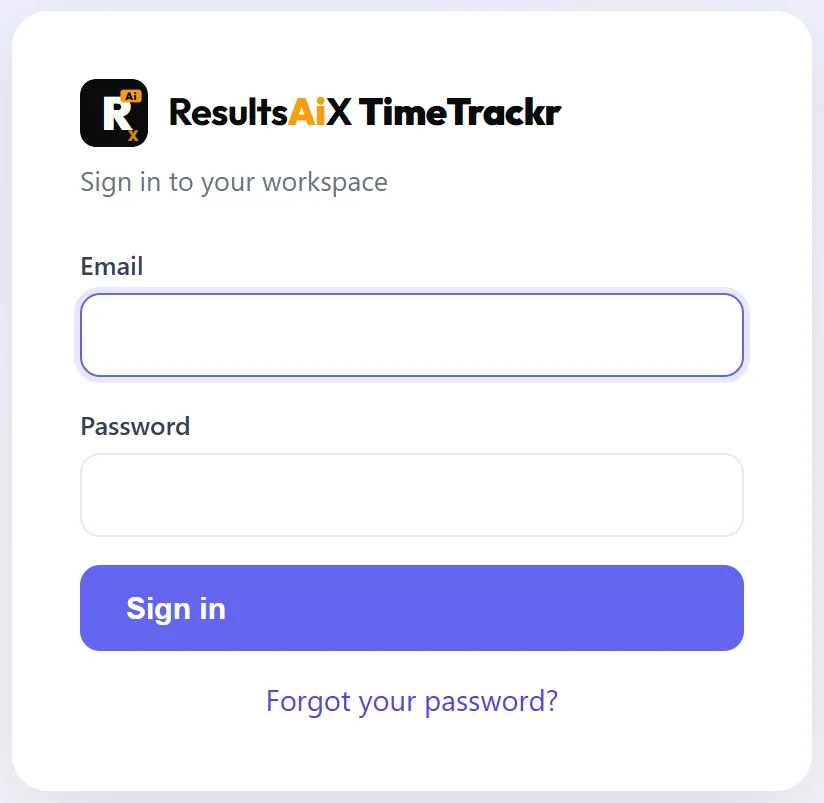
On the sign-in page, press Forgot your password?. An owner or admin makes you a reset link in a few seconds: Team, your name, Generate password reset link. The link works once, for one hour.
Too many wrong passwords:
After 6 wrong passwords for one email in 15 minutes, TimeTrackr pauses sign-in for that email for 15 minutes. Wait, or ask an owner or admin for a reset link.