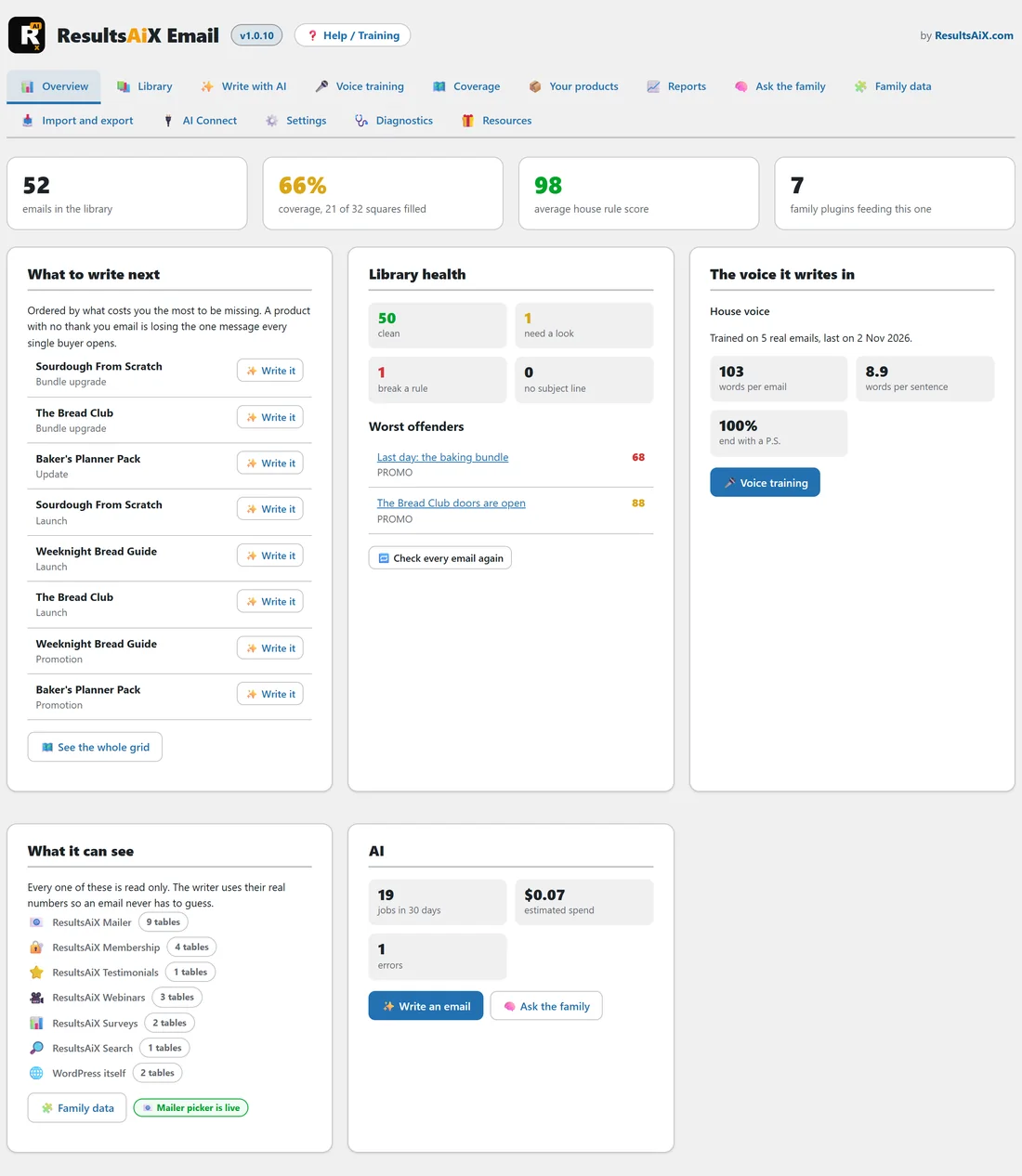
The Overview is the first screen you see when you open AiX Email. It answers four questions in one glance: how many emails you hold, which ones are missing, which ones break a house rule, and what the AI has been doing.
Where to find it:
Click AiX Email in the WordPress sidebar, or the Overview tab on any screen.
The four headline numbers:

- emails in the library: every email you hold, starters included.
- coverage: the share of the coverage grid that has an email in it, for example 66%, coverage, 21 of 32 squares filled. It turns green at 70% and over, amber from 40% and red below that. With no products added yet, this tile reads Add your products instead.
- average house rule score: the average score out of 100 across the whole library. Green at 90 and over, amber from 70.
- family plugins feeding this one: how many sources the plugin can read on this site, such as ResultsAiX Mailer, ResultsAiX Membership and WordPress itself.
What to write next:
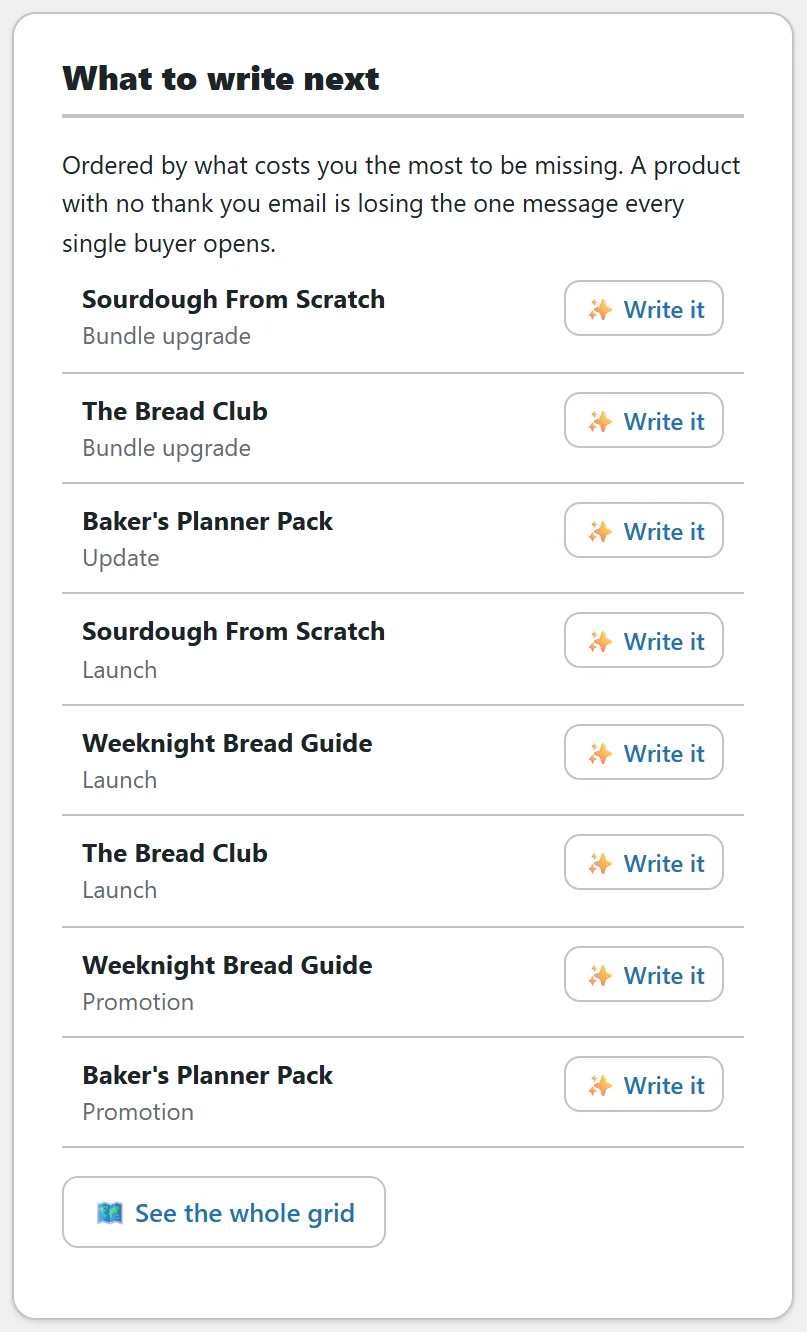
The top eight missing emails, ordered by what costs you most to be missing. A product with no thank you email comes first, because that is the one email every buyer opens. Then the day two onboarding email, lifecycle, bundle upgrade, update, launch, promotion and affiliate swipe. When two products are missing the same email, the one higher up Your products comes first.
Each row has a Write it button that opens Write with AI with the product and purpose already chosen. See the whole grid opens the Coverage tab. If you have not added products yet, the card asks you to, with an Add your products button.
Library health:
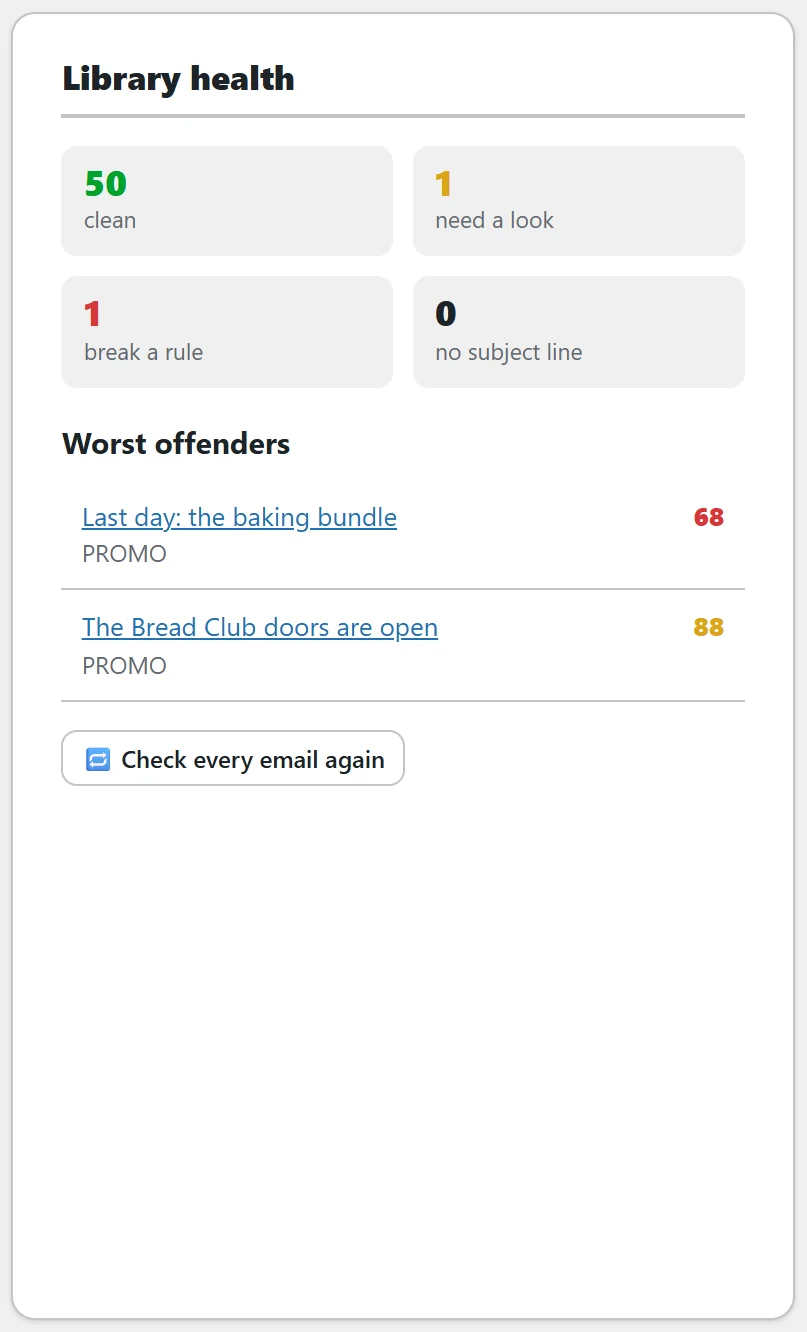
Four counts and a list.
- clean: emails scoring 90 or more.
- need a look: emails scoring 70 to 89.
- break a rule: emails scoring under 70.
- no subject line: emails with no subject line at all.
Worst offenders lists up to ten emails scoring under 90, lowest first, each with its purpose and score. Click a title to open it in the editor. Check every email again runs the house rules over the whole library on the spot. The same check runs by itself every night and on every save.
The voice it writes in:
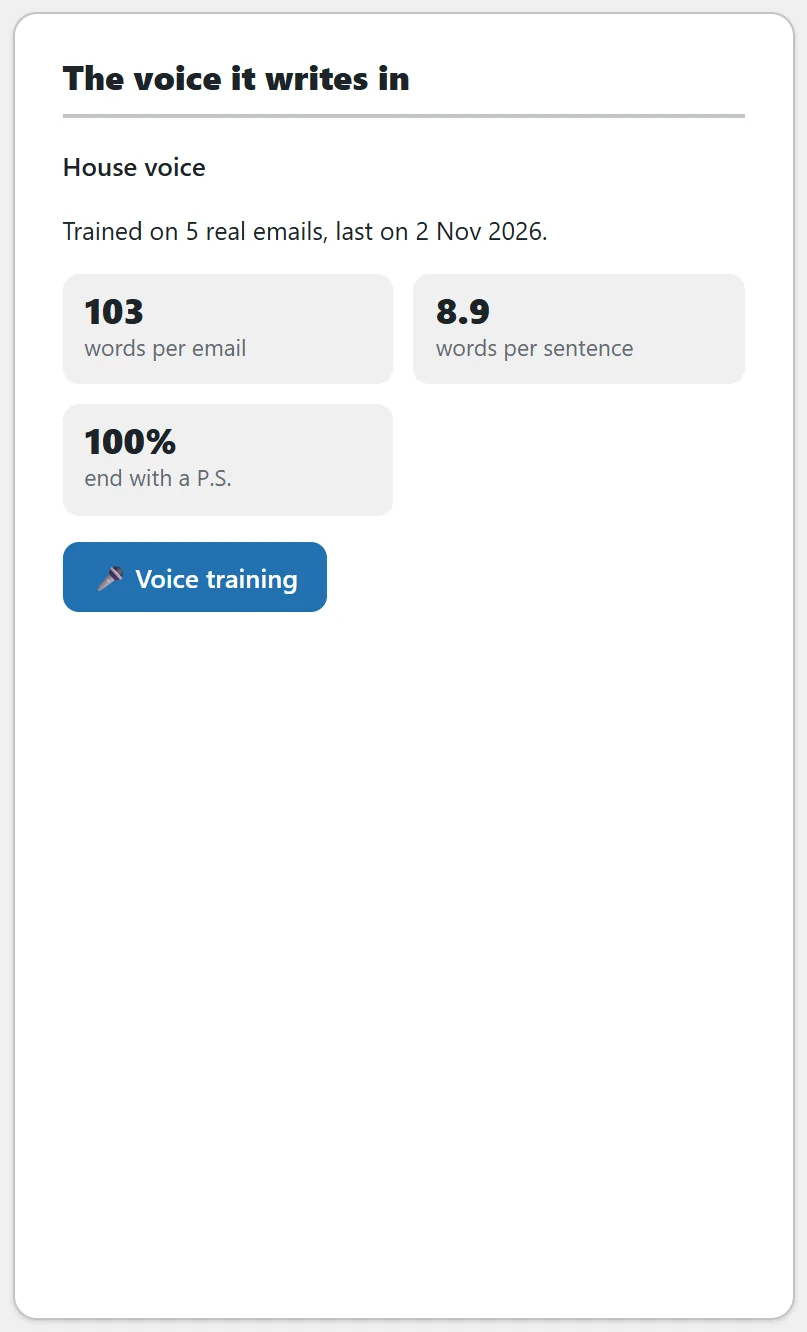
The name of the voice in use, how many real emails it was trained on and when, and three measurements: words per email, words per sentence, and how many of the emails end with a P.S. Before any training it says Not trained yet. The Voice training button opens that tab.
What it can see:
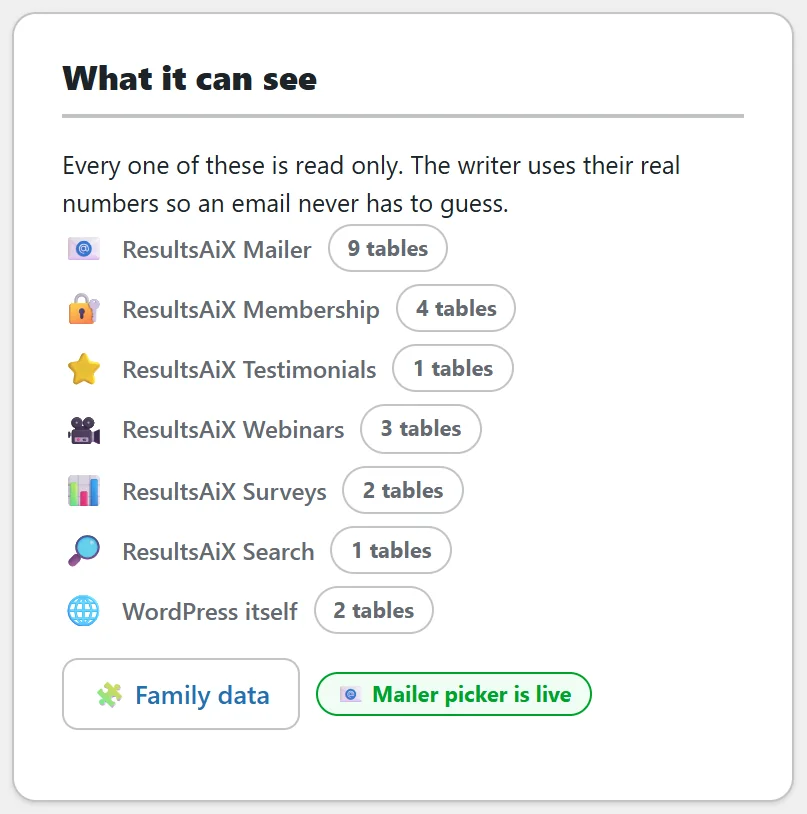
Every source the plugin reads on this site, each with how many of its tables are present. Every one is read only. If you have linked a second site on the Family data tab, a Linked sites list shows each one as linked or off. A Mailer picker is live pill appears when ResultsAiX Mailer is on the site, and the Family data button opens that tab.
The AI card:
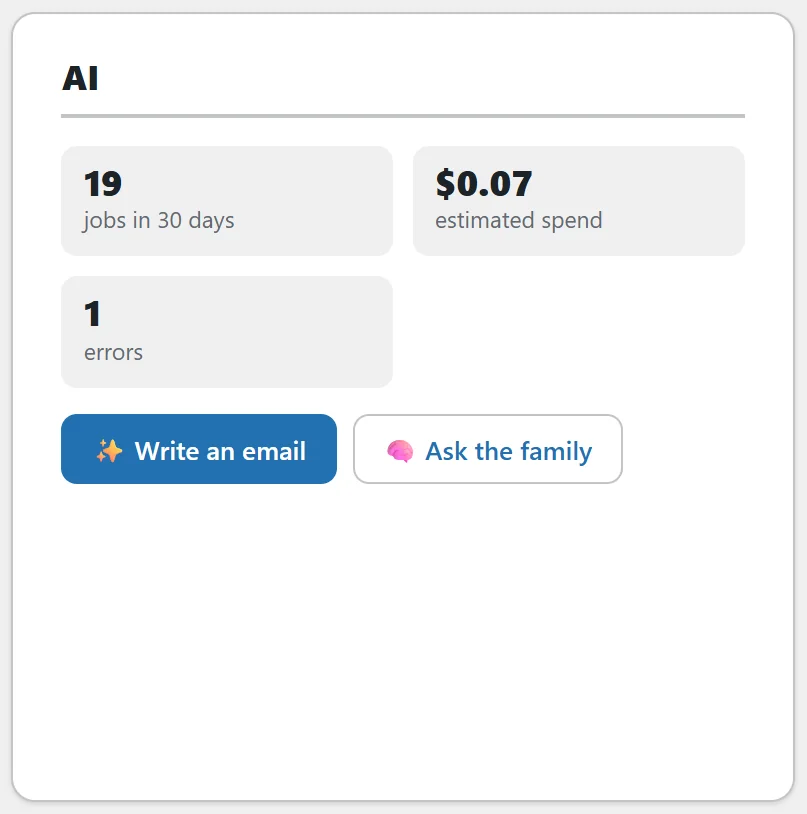
With AI ready, the card shows jobs in 30 days, the estimated spend and errors, with Write an email and Ask the family buttons. If this month's estimated spend passes your monthly budget, a short note says so. Nothing is ever blocked by the budget. If the last AI call failed, its error is shown in the provider's own words.
Without AI ready, the card shows one line saying what is missing, with a link to the right tab.
A worked example:
Sam opens the Overview on Monday morning. The library holds 52 emails at an average score of 98, with 1 email that breaks a rule. Worst offenders shows it is Last day: the baking bundle at 68, so Sam opens it and sees it links to the checkout page. What to write next shows Sourdough From Scratch has no bundle upgrade email, so Sam presses Write it and has a draft in under a minute.
Tips:
- Work the Overview top down: fix the worst offender, then write the first missing email.
- For the whole grid, see Coverage: Finding The Emails You Do Not Have Yet.
- For numbers over time, see Reports: What Got Written, What It Cost And Which Rules You Break.