Your buyers get your bonuses as files. Bonus Builder lays each bonus out as a finished guide, ready to save as a PDF and upload to your bonus delivery area.
Saving one bonus as a PDF:
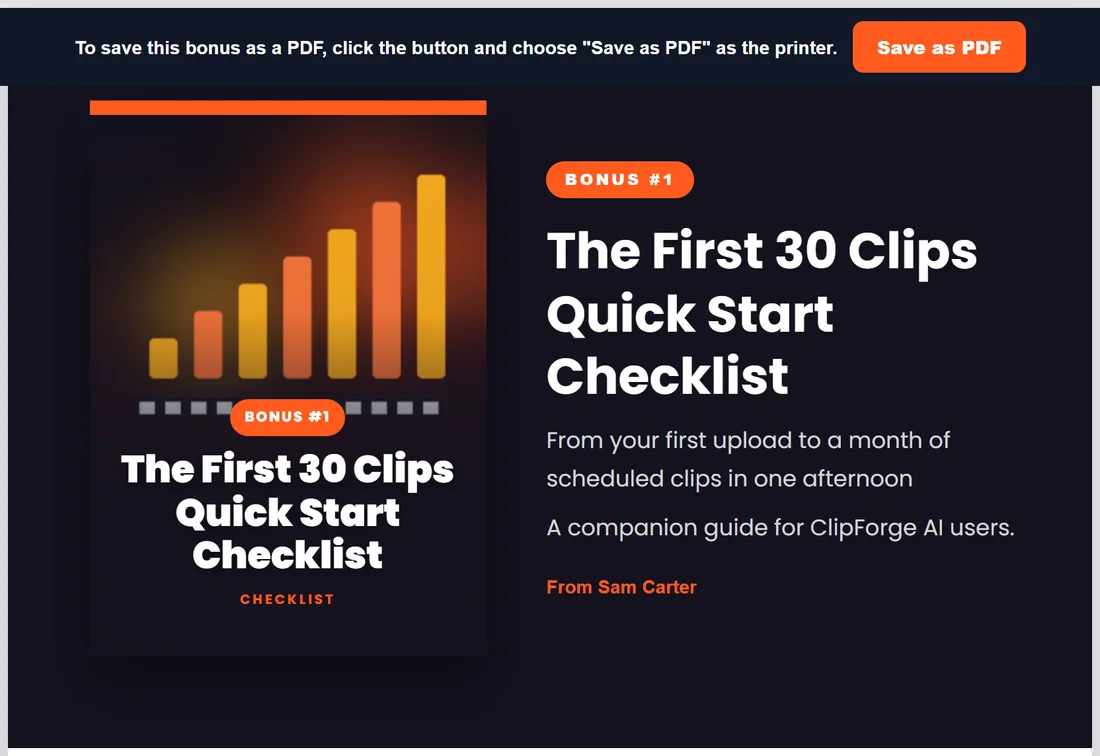
- On step 3, click Save as PDF on a written bonus. The guide opens in a new tab.
- Click the Save as PDF button in the bar at the top.
- In your browser's print window, choose Save as PDF as the printer and save.
What the guide looks like:
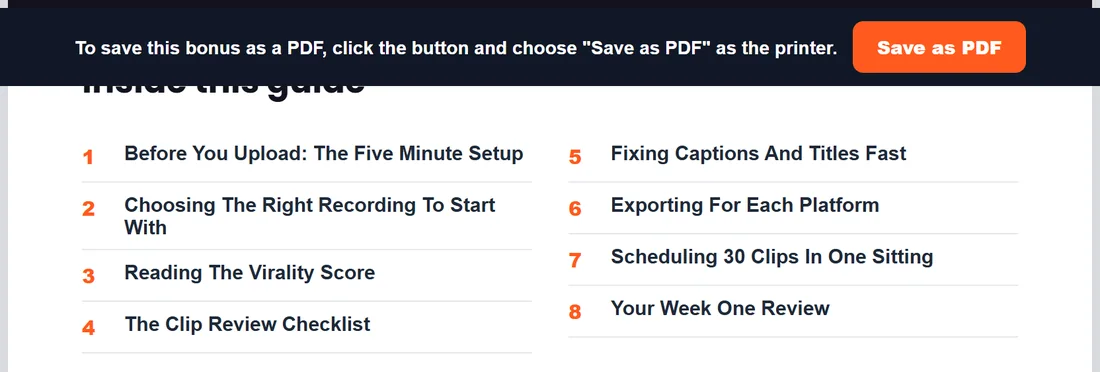
- A cover page with the cover, the bonus number, the title and sub-title, a line saying it is a companion guide for the product, and From with your name.
- An Inside this guide contents page listing every section.
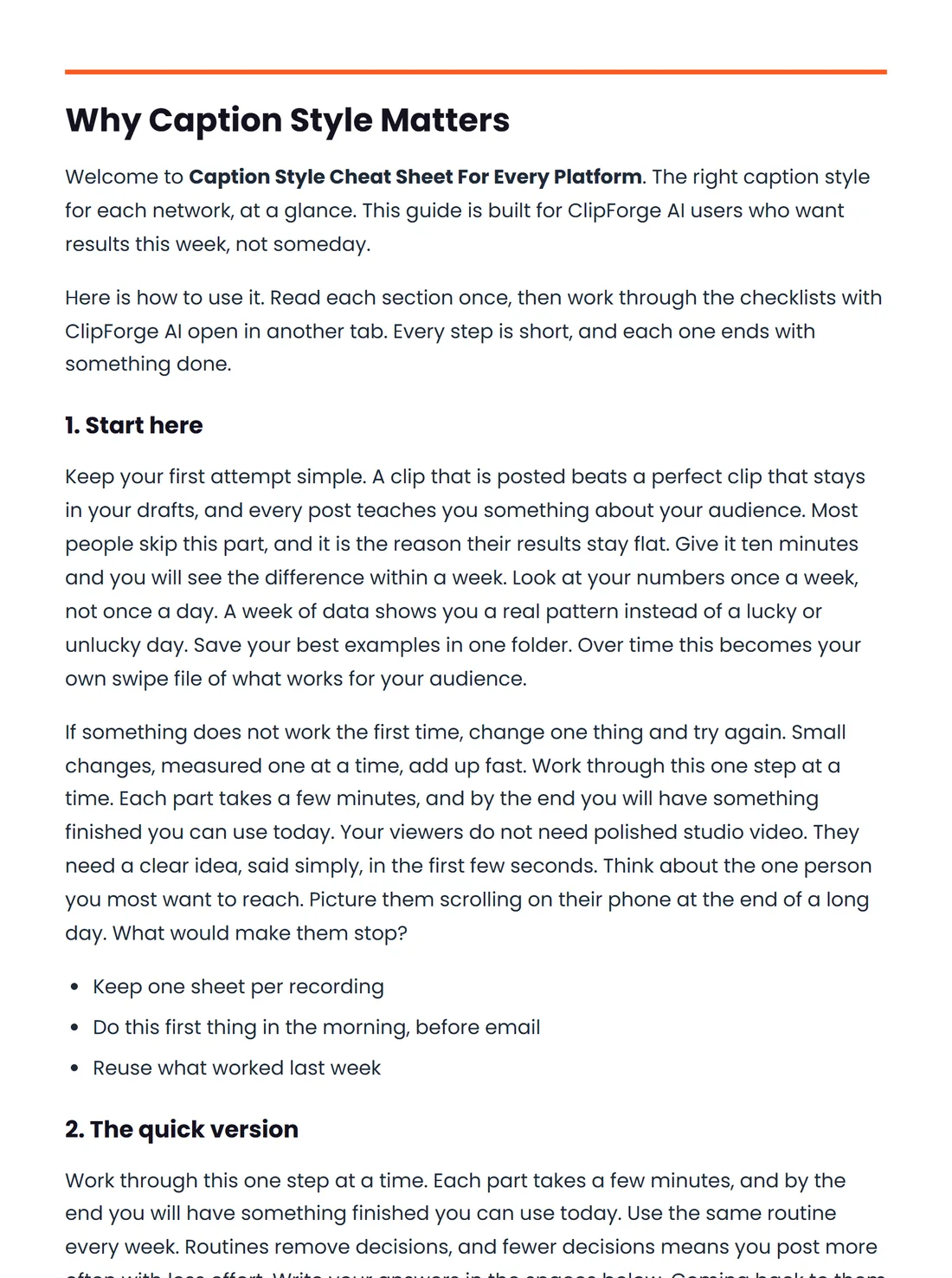
- The full bonus, each section starting on a new page, in your page colours and font.
- A footer line with the title and your name.
Downloading every bonus:
- Click Download all (zip) at the top of step 3. It shows once at least one bonus is written.
- The zip holds one folder per bonus with the guide as an HTML file, a flat cover and a 3D cover, plus the AI artwork when the bonus has one.
- A READ-ME-FIRST file explains the next step: open each HTML file in your browser, click Save as PDF, and upload the PDFs.
Uploading to your bonus area:
On WarriorPlus and JVZoo, add the PDFs to your affiliate bonus section so buyers find them in their purchase area straight away. On other platforms, use the delivery steps your platform gives.
Or skip the uploads:
Step 5 can host every bonus on your own site instead. Buyers get one link where they read each bonus online, save it as a PDF or download them all. See Step 5: Hosting Your Bonuses On Your Own Site.
Tips:
- Your name on the guides comes from the Your name setting on the Settings tab.
- Edit a bonus first with Read and edit; the PDF and the zip always use the latest version.