With the page live, it is time to send people to it. The promo pack gives you everything to promote the product, written around your bonuses.
Where to find it:
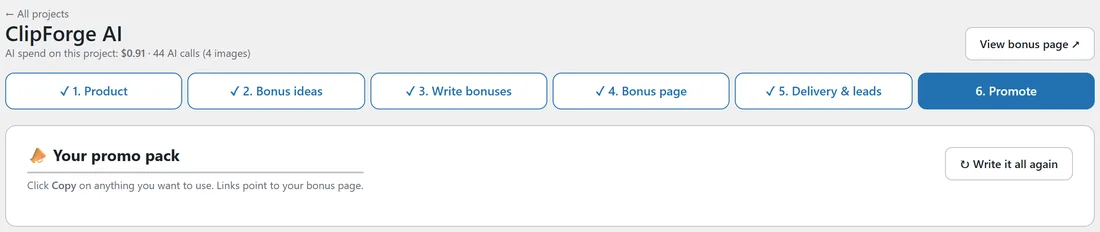
Open a project and click 6. Promote, or click Promote at the bottom of step 5.
Writing the pack:
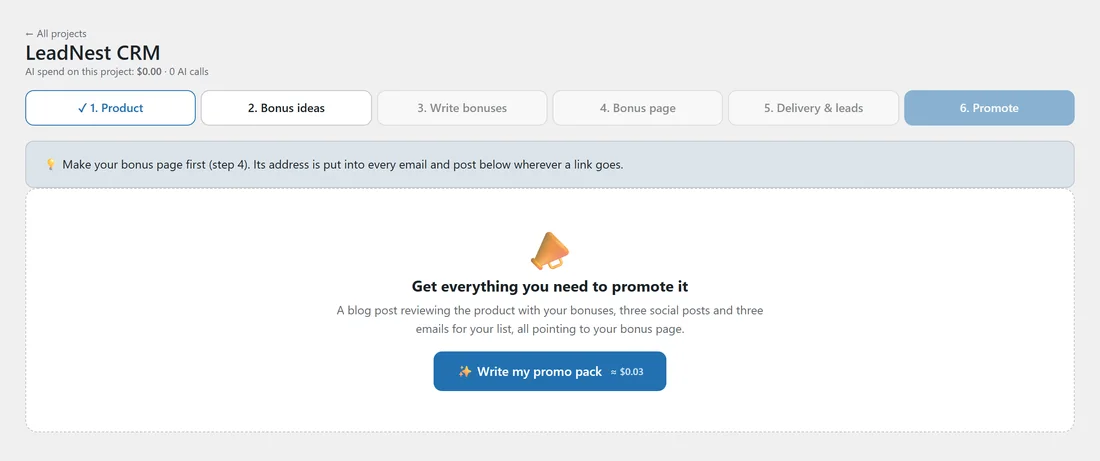
- Click Write my promo pack.
- The popup shows the AI writing three social posts and three emails, then a full review blog post.
- The page reloads with your pack.
Ready-made swipes, no AI:
Click Use ready-made swipes instead. You get three emails and three social posts with your product, your bonuses and your link filled in, plus a review outline for your blog with your bonus covers and buttons in place, where you add your own opinions. It is free and works with no AI key. With AI connected, the Ready-made swipes button stays at the top of the pack so you can switch any time.
Your links:
Every email and post links to your bonus page. Make the page first in step 4: until it exists, the links show as [BONUS PAGE LINK], and they fill in by themselves once the page is made.
Email swipes:
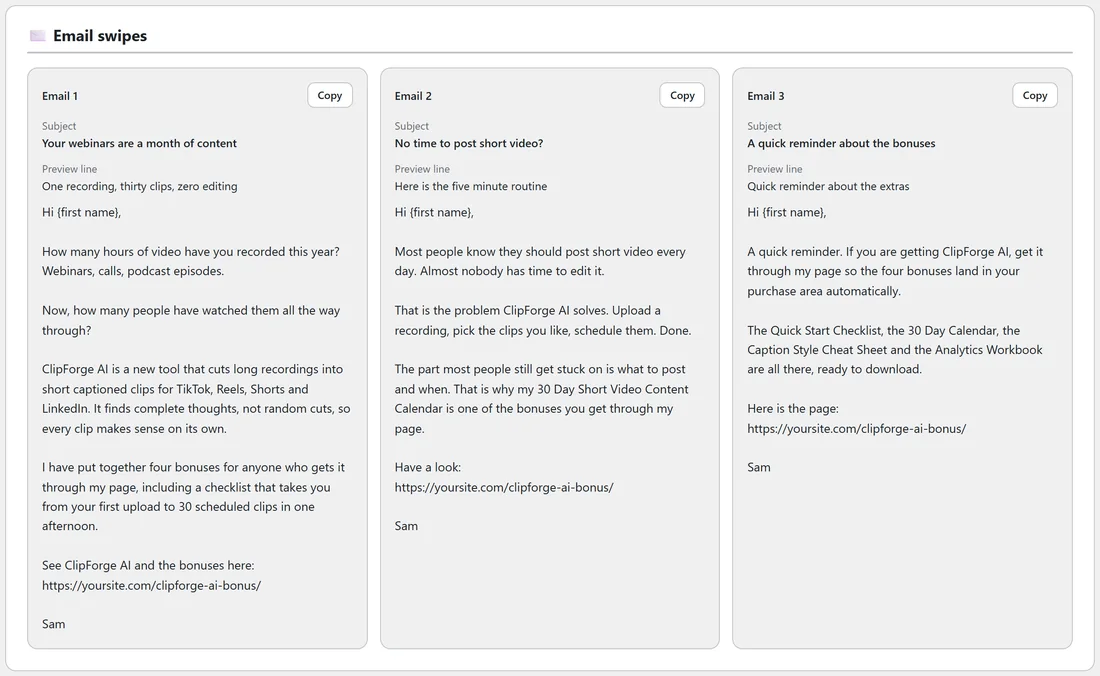
Three emails for your list:
- Email 1 introduces the product and your bonuses.
- Email 2 is about the problem the product solves.
- Email 3 is a reminder that the bonuses come with buying through your link.
Each has a Subject, a Preview line and the body, signed with your name from Your Profile. Click Edit to change an email in place, Copy to copy the subject and body together, or Copy HTML for email editors that take HTML. With the ResultsAiX Mailer on your site, Schedule all 3 With AiX Mailer puts them in as broadcasts in one click. See Scheduling Your Emails With AiX Mailer.
Social posts:
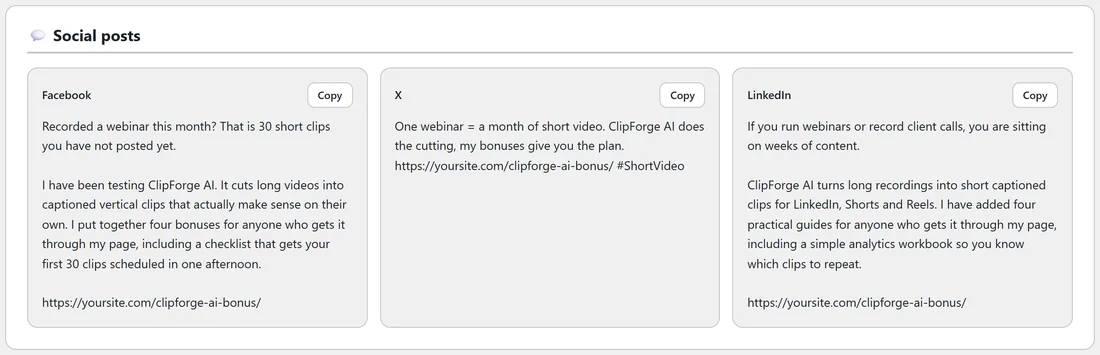
One for Facebook, one for X and one for LinkedIn, each sized for that network. Click Edit to change one, Copy to copy it, or Share on to open that network's own post box with the text and link filled in. Also share on reaches more networks. See Sharing Your Posts In One Click.
Blog post:
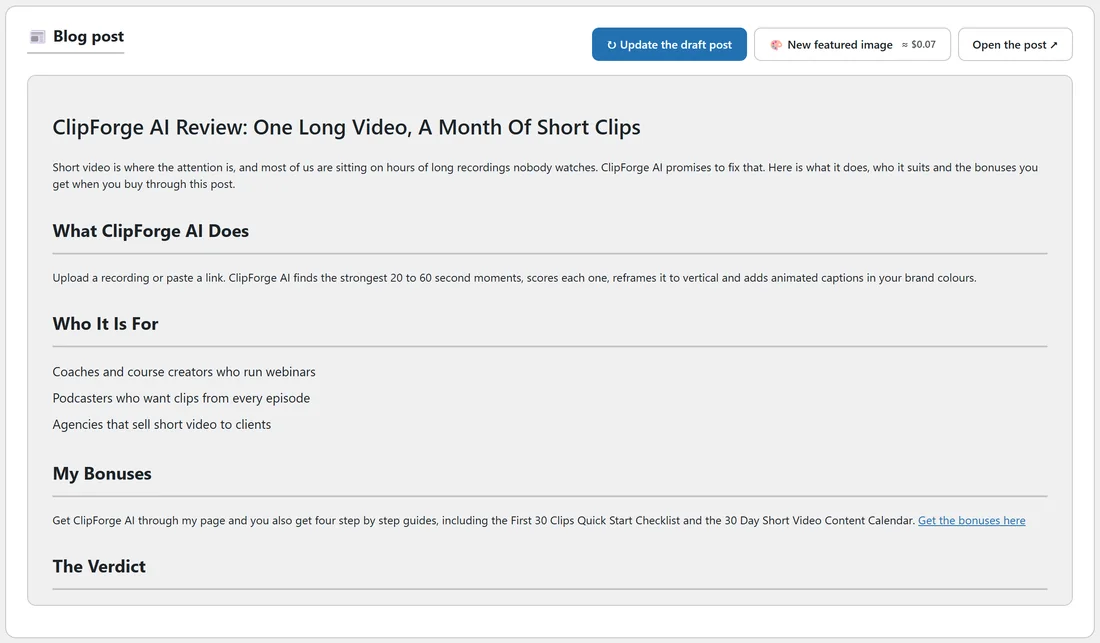
A full review of about 2,000 words written to rank on Google and to sell: how the product works, the features that matter, who it is for and not for, a pros and cons table, your bonuses one by one, how to get them, five questions and answers, and a verdict. It comes with an SEO title, a meta description, a short address and tags, shown in a Google preview.
Pictures in the post (tick what you want):
- AI featured image.
- The product picture from the sales page.
- Your bonus covers, side by side in a gallery.
- Two AI pictures inside the post, at the spots the writer chose.
Then:
- Make it a draft post. Puts it on your site as a draft in Posts with your pictures, two Get it buttons in your page colours and the links to your bonus page. The popup makes the AI pictures one by one. The SEO title and description go into Yoast, Rank Math or SEOPress when one is installed.
- Preview the post, or Edit in WordPress to check and publish it.
- Write the blog post again writes a new one on its own, without changing your emails and social posts.
A fresh pack:
Click Write it all again for new versions. A draft post you already made stays until you click Update the draft post.
A real example:
Sam copied the three ClipForge AI emails into the autoresponder, scheduled the posts, and published the blog review with its featured image the next morning.