The last row of the plugin's top bar has three tabs that are not about one funnel: Training, Resources and Hub. They help you learn the plugin, find tools that work with it, and manage all your ResultsAiX plugins in one place.
Where to find them:
Open Free List Building in the WordPress sidebar. Training, Resources and Hub are on the top bar of every plugin screen, after Diagnostics. They are also in the sidebar menu as 🎓 Training, 🔗 Resources and 🤖 Hub.
The Training tab:
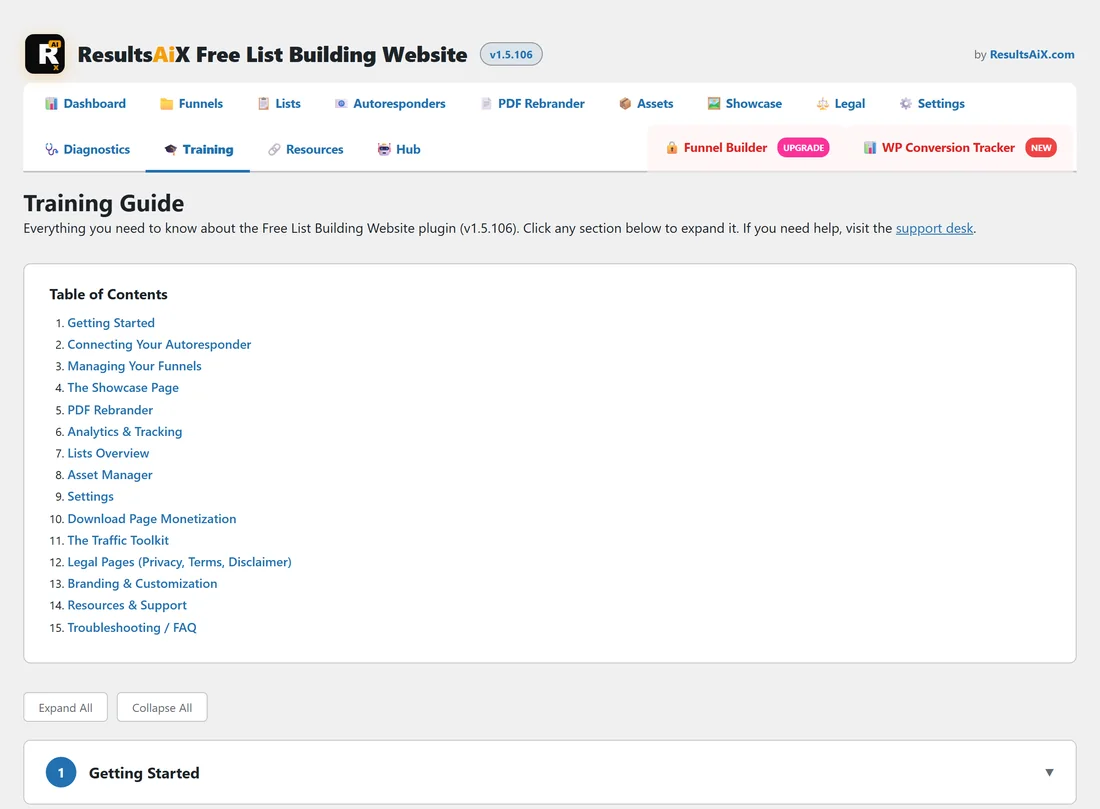
Training Guide is a complete guide to the plugin, written for the version you have installed (the version number shows in the first line).
- Click a topic in the Table of Contents to jump to it.
- Click a section heading to open or close it.
- Use Expand All to open every section at once, or Collapse All to close them.
The 15 sections are Getting Started, Connecting Your Autoresponder, Managing Your Funnels, The Showcase Page, PDF Rebrander, Analytics & Tracking, Lists Overview, Asset Manager, Settings, Download Page Monetization, The Traffic Toolkit, Legal Pages (Privacy, Terms, Disclaimer), Branding & Customization, Resources & Support and Troubleshooting / FAQ. The intro line links to the support desk.
The Resources tab:
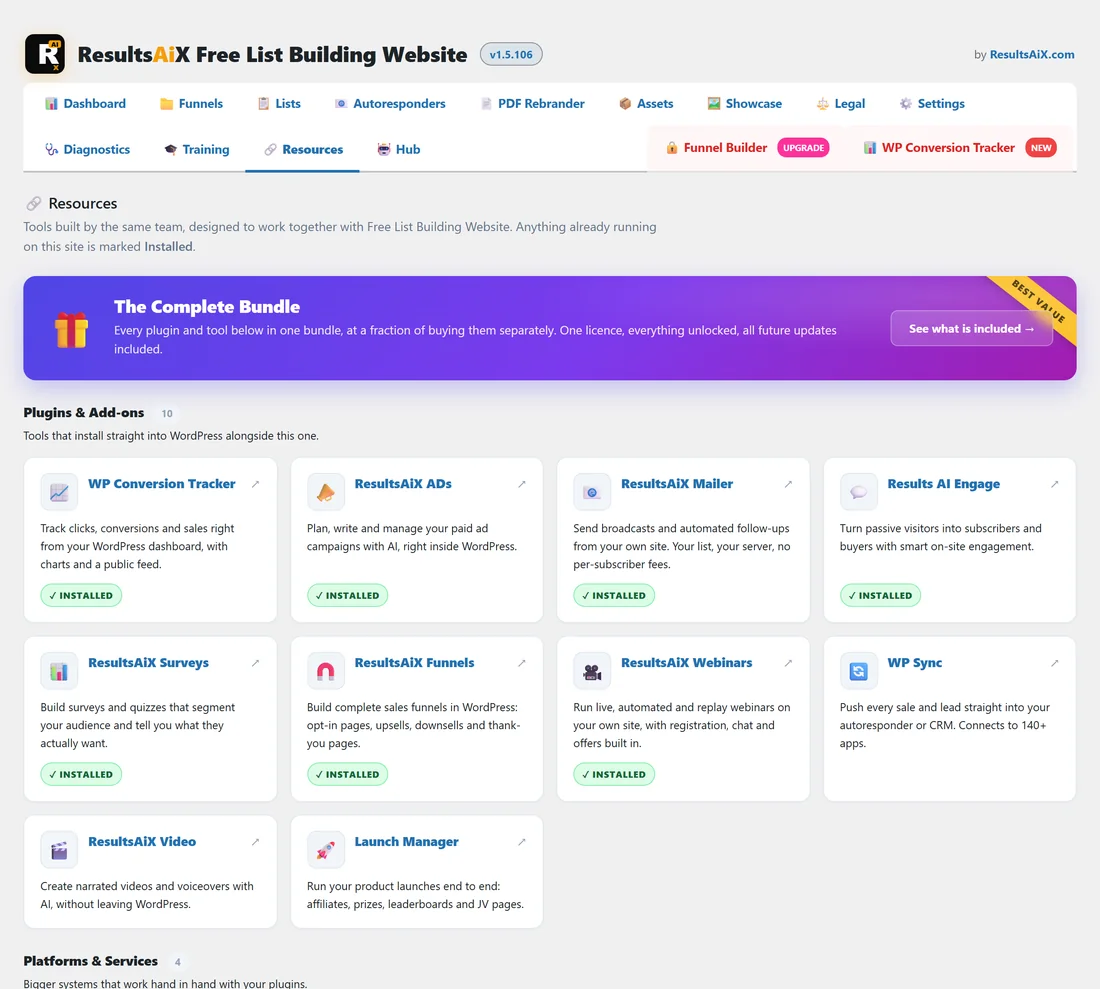
Resources lists tools built by the same team that work together with this plugin.
- At the top, a featured card for The Complete Bundle with a See what is included link.
- Plugins & Add-ons: plugins that install into WordPress alongside this one, such as WP Conversion Tracker and ResultsAiX Mailer.
- Platforms & Services and Free Tools: bigger systems and free tools that work with your plugins.
Every card opens its page in a new tab. A card for a plugin that is already active on your site shows a green Installed label.
The Hub tab:
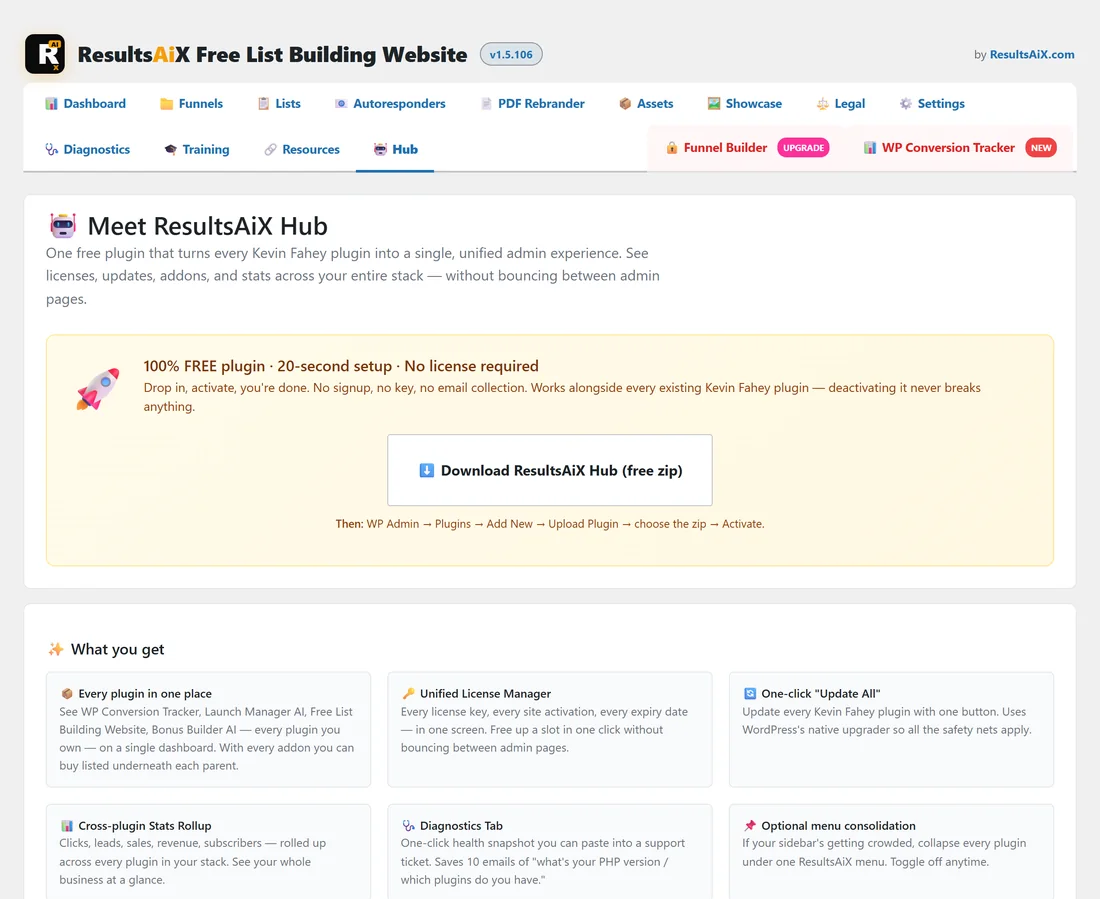
The ResultsAiX Hub is a free plugin that brings all your ResultsAiX plugins into one dashboard: every plugin in one place, one licence manager, one click updates, a stats rollup across plugins, a diagnostics tab and an optional single menu.
- If the Hub is not installed, the Hub tab shows Meet ResultsAiX Hub with what you get and a Download ResultsAiX Hub (free zip) button. After the download, go to Plugins → Add New → Upload Plugin, choose the zip and activate it.
- If the Hub is already active, the Hub tab takes you straight to the Hub's own dashboard.
The Hub also offers a site wide colour scheme. This plugin follows it while its own Color scheme in Settings is set to Follow the ResultsAiX Hub. See Admin Color Schemes.
A real example:
Sam at Your Site runs this plugin, WP Conversion Tracker and ResultsAiX Mailer. The Resources tab marked two of them Installed. Sam installed the Hub from the Hub tab, and now one dashboard shows all three with their licences and updates.
Tips:
- New to the plugin? Read Getting Started and Connecting Your Autoresponder in the Training tab first.
- The Hub is optional. Every plugin keeps working on its own.