You do not have to go back to the Hub to ask AiX Brain something. On every ResultsAiX screen, an AiX Brain button sits in the bottom right corner. Click it and the chat opens over the page, with your saved chats, so you can ask about your business without leaving the plugin you are working in.
Where to find it:
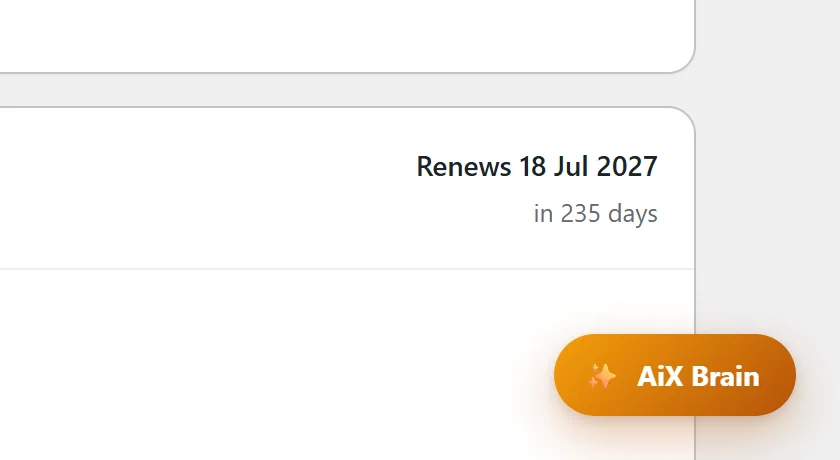
The AiX Brain bubble shows on the screens of every ResultsAiX plugin on your site and on the Hub's own tabs, for administrators. It is left off the AiX Brain tab and the Overview, because the chat is already on those pages.
Step by step:
- On any ResultsAiX screen, click AiX Brain in the bottom right corner.
- The chat opens in a panel. Type or speak your question and press Ask.
- Close it with the cross, or press Escape. The page underneath is just as you left it.
The buttons at the top of the panel:
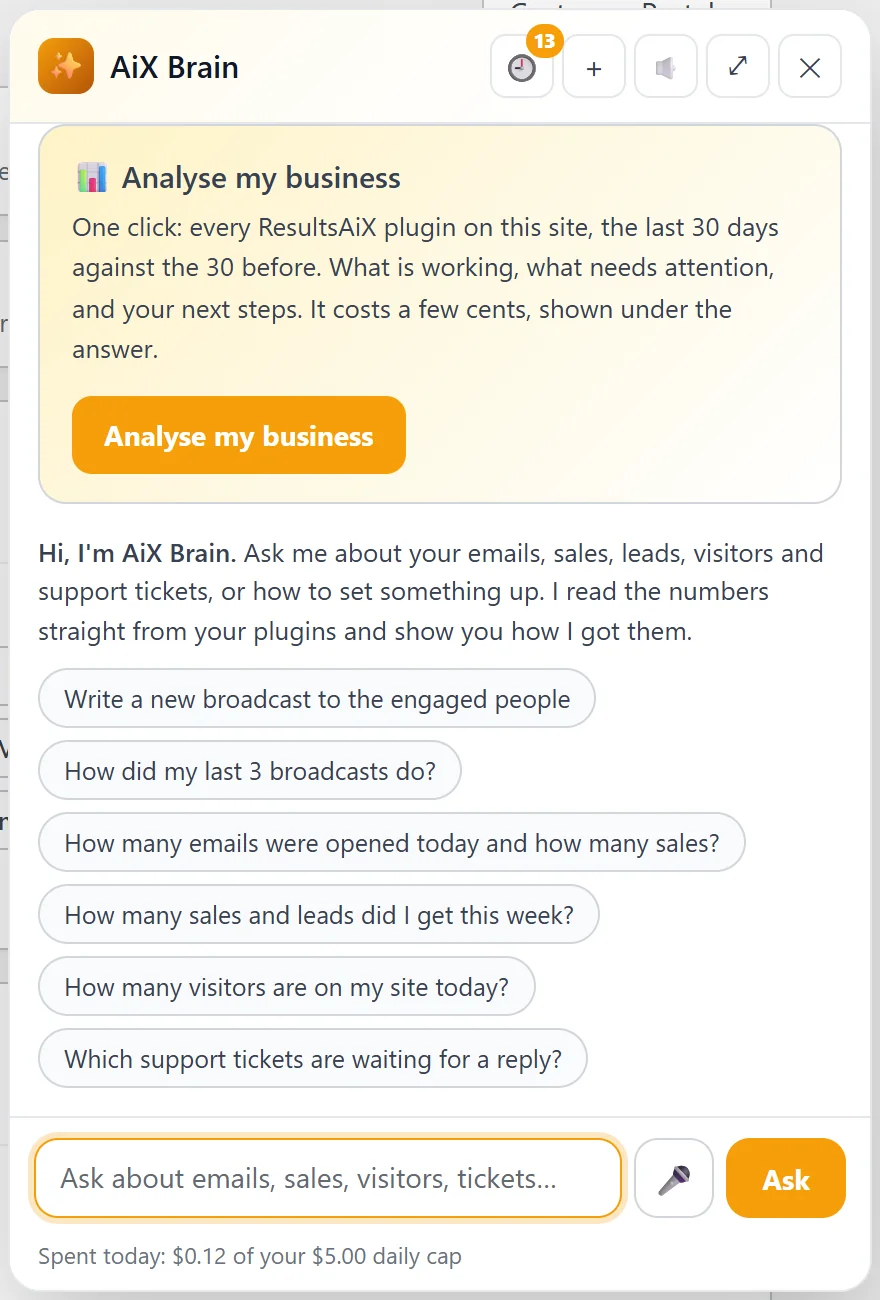
- The clock button opens Chat history, with a number for how many chats you have
- The plus button starts a new chat
- The speaker button reads every new answer aloud until you switch it off
- The arrow button opens the full chat on the AiX Brain tab
- The cross closes the panel
The bubble is the same assistant with the same chats as the AiX Brain tab and the Overview box, so a chat you start here carries on there. Analyse my business is at the top of a new chat here too. You can ask for changes from the bubble as well: the card appears in the panel, and nothing happens until you press its button. The list of everything AiX Brain can do lives on the AiX Brain tab, under What I can do.
One bubble only:
On a site with the ResultsAiX theme, the theme's own AI Help bubble is already in the corner. Then the Hub adds no second bubble: the theme's AI Help hands your business questions to AiX Brain, and they are saved in your Chat history. Its button to ask the Hub opens the AiX Brain tab with your question already asked.
A real example:
Jamie is on the Licenses tab checking a renewal date and wonders how the week is going. One click on AiX Brain in the corner, a click on How many sales and leads did I get this week?, and the answer appears over the page. Jamie closes the panel and carries on with the licences.
Tips:
- Use the bubble for quick questions while you work, and the AiX Brain tab for long chats.
- The arrow button takes the chat you have open to the full tab, where Chat history is always beside it.