A chat space is a live room where members talk in real time. It is the right place for quick hellos, quick questions and live sessions, while the feed and forums keep the longer conversations.
Where to find it:
In the app, click a chat space in the sidebar, for example Coffee chat. To make one, open Community, then Spaces, click + Add a space and pick the type Chat. Chat rooms must be switched on under Community, then Messages and chat, Show chat spaces.
Talking in a room:
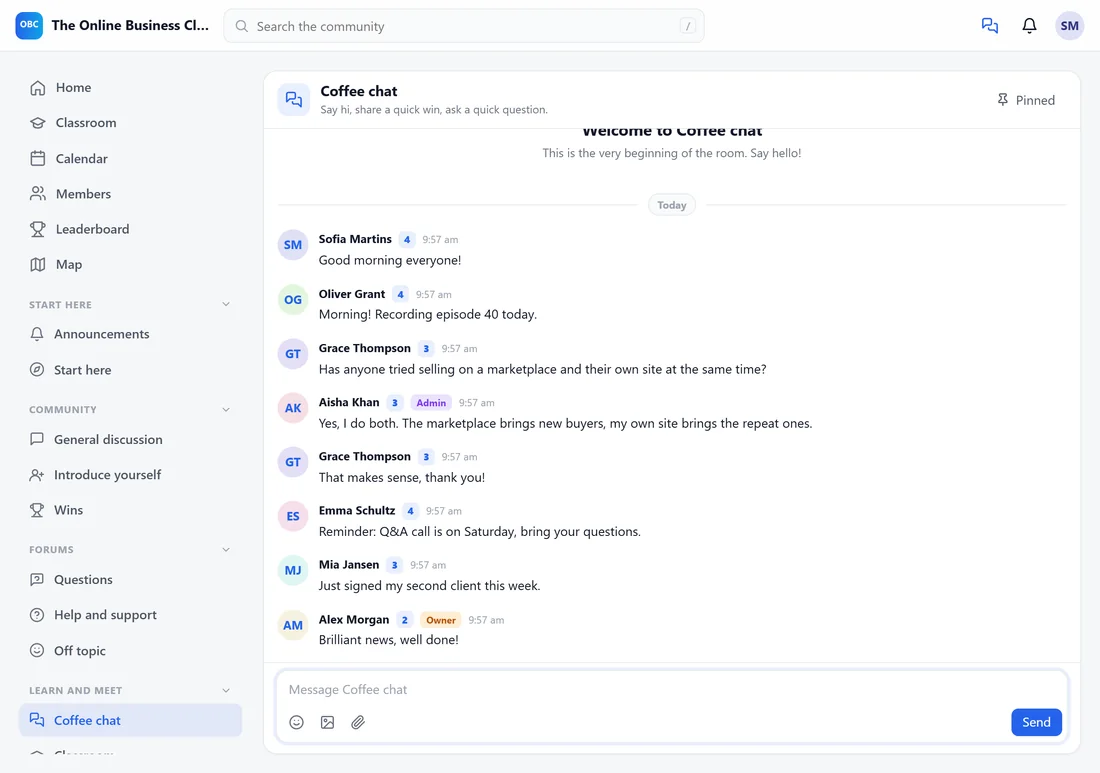
- Type in the box at the bottom and press Enter or click Send.
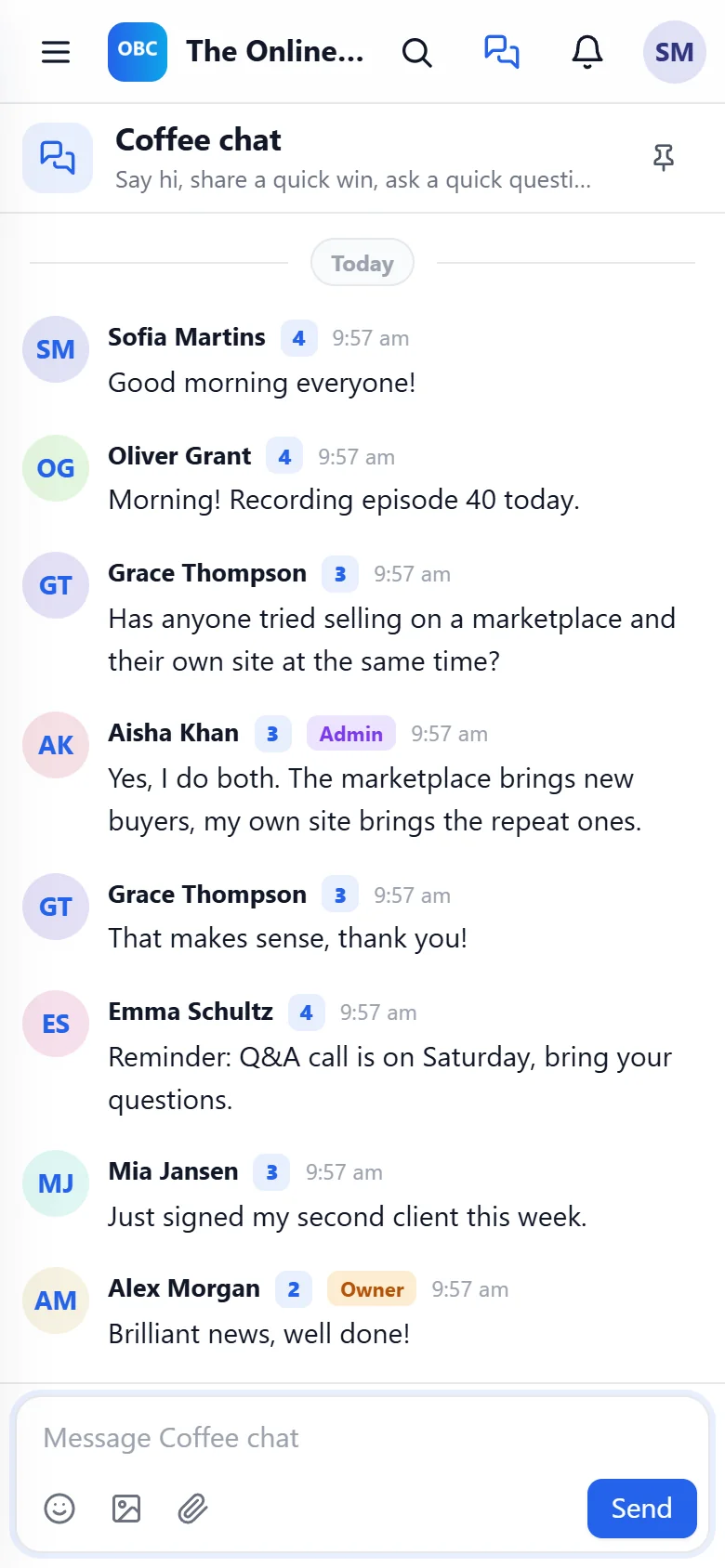
- Messages show the member's name, level and role badges and the time.
- New messages arrive on their own. By default the room checks every 4 seconds while it is open; with Pusher or Ably connected they arrive instantly.
Threads:
Click Reply in thread on a message to start a side conversation. The thread opens beside the room, so the main room stays easy to follow.
Reactions:
Add an emoji to any message from its menu.
Pinned messages:
Moderators can pin a message to the room from its menu. Pinned, at the top of the room, lists them. Good for room rules or the link to today's live session.
@here: Your team can type @here to notify everyone who is online now.
Room rules:
Each chat space uses the same settings as other spaces: who can see it, who can open it and who can post. Slow mode sets how many seconds a member waits between messages; moderators are never slowed.
A real example:
Coffee chat in The Online Business Club starts most mornings with good mornings. When Grace asked about selling on a marketplace and her own site at the same time, Aisha answered within a minute. Before the Saturday call Emma posted a reminder, and Alex pinned it.
Tips:
- Keep one general chat room. Too many rooms spread people thin.
- For one-to-one talk, members use direct messages. See Direct Messages And The Messages And Chat Tab.
- Real-time delivery is optional; see the Real-time section in that article.