Settings gathers the site-wide switches: where the community lives, which parts are on, and the keys for optional services.
Where to find it:
Open AiX Community, then Setup, then Settings.
License and help:
The License panel is at the top. See Installing The Plugin And Activating Your Licence Key. Below it, help cards link to your account portal, support, Diagnostics and Training.
Address:
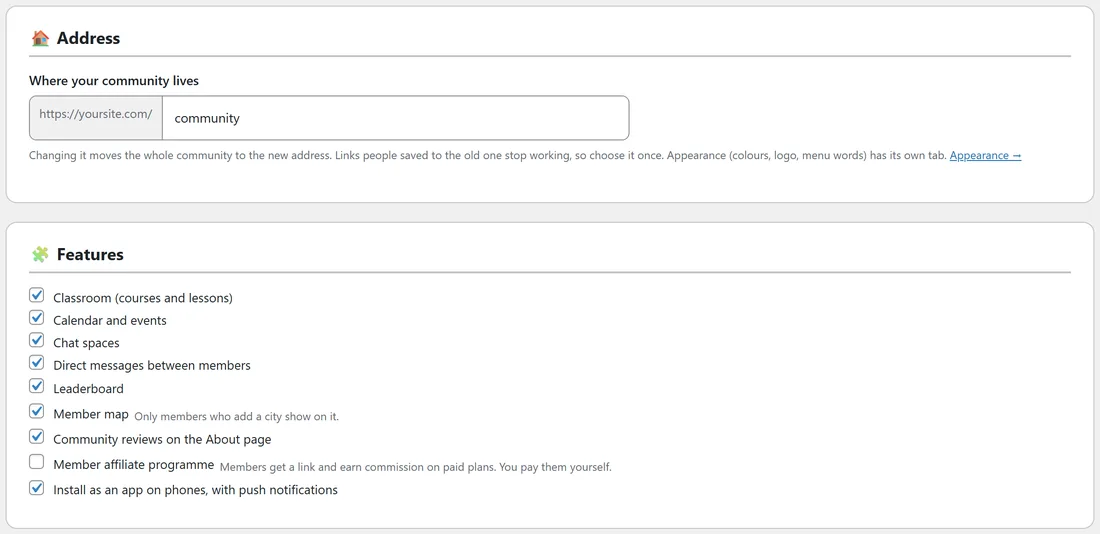
Where your community lives, after your site address. Changing it moves the whole community to the new address. Links people saved to the old one stop working, so choose it once.
Features:
Untick anything you do not use.
- Classroom (courses and lessons).
- Calendar and events.
- Chat spaces.
- Direct messages between members.
- Leaderboard.
- Member map. Only members who add a city show on it.
- Community reviews on the About page.
- Member affiliate programme. Members get a link and earn commission on paid plans. You pay them yourself.
- Install as an app on phones, with push notifications.
Uploads:
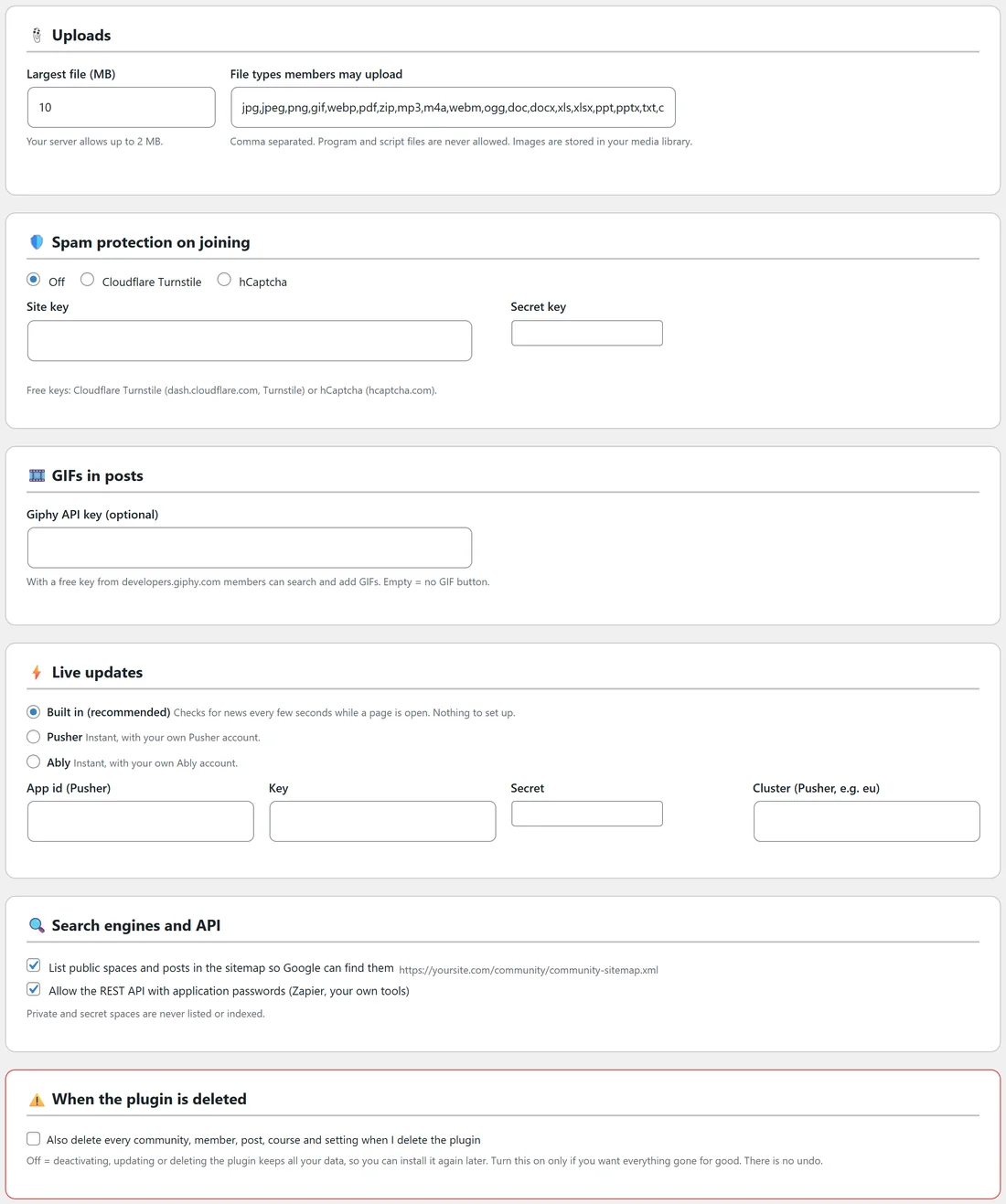
- Largest file (MB): 10 by default. The hint shows the most your server allows.
- File types members may upload: comma separated. Program and script files are never allowed. Images are stored in your media library.
Spam protection on joining:
Off, Cloudflare Turnstile or hCaptcha, with your own Site key and Secret key. Free keys come from Cloudflare (Turnstile) or hCaptcha. It only switches on when both keys are filled in.
GIFs in posts:
Giphy API key (optional). With a free key from Giphy's developer site, members can search and add GIFs. Empty means no GIF button.
Live updates:
- Built in (recommended): checks for news every few seconds while a page is open. Nothing to set up.
- Pusher or Ably: instant, with your own account. Fill in the App id (Pusher), Key, Secret and Cluster.
Search engines and API:
- List public spaces and posts in the sitemap so Google can find them. The sitemap address is shown.
- Allow the REST API with application passwords (Zapier, your own tools).
Private and secret spaces are never listed or indexed.
When the plugin is deleted:
Also delete every community, member, post, course and setting when I delete the plugin. Off means deactivating, updating or deleting the plugin keeps all your data, so you can install it again later. Turn this on only if you want everything gone for good.
Click Save settings at the bottom.
A real example:
The Online Business Club does not run an affiliate programme yet, so that box is off. Everything else is on and the upload limit is 10 MB. Spam protection on joining is Off for now; Alex will add Turnstile keys if sign-up spam starts.
Tips:
- Switching a feature off hides it but keeps its data, so you can switch it back on any time.
- Spam protection on joining and the Human check on the Moderation tab are the same setting, so you can change it in either place. It covers the join form and new members' posts.