The Members tab is your list of everyone in the community. You can find anyone in seconds, see their level, points and plans, and act on one person or many at once.
Where to find it:
Open AiX Community, then Community, then Members.
The status tabs:
All, Active, Waiting, Suspended and Banned, each with a count. Waiting holds people who asked to join and are not approved yet.
Search and filter:
- Type a name or email into the search box.
- Any role: Owner, Admin, Moderator or Member.
- Any level: one of your nine levels.
- Any plan: one of your plans.
- Joined any time, or in the last 7, 30, 90 or 365 days.
- Quiet 30+ days: members who have not visited for a month.
Click Filter to apply.
The list:
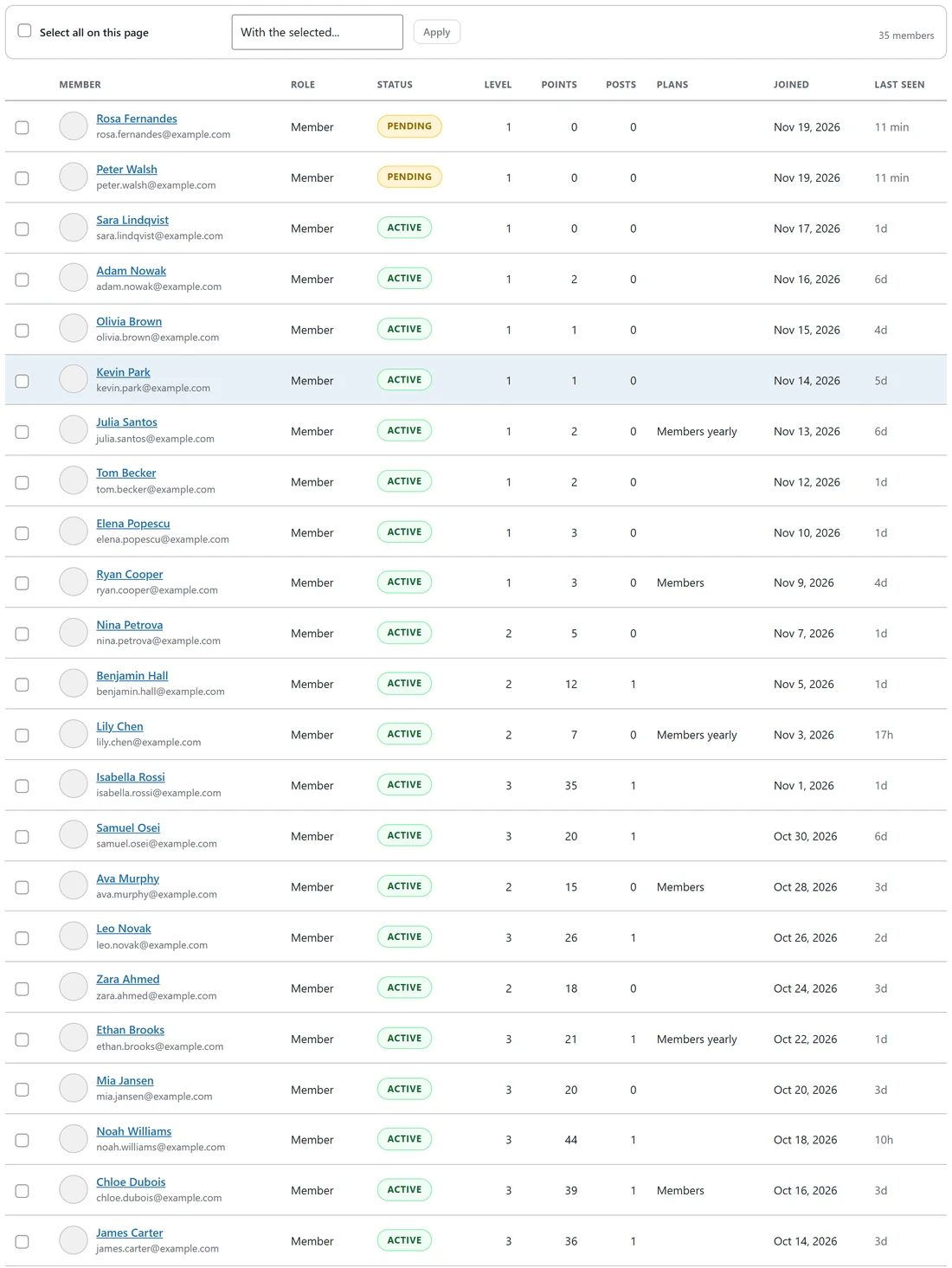
Each row shows the member's name and email, Role, Status, Level, Points, Posts, Plans, Joined and Last seen. Click a name to open the member card. See The Member Card: Roles, Points, Tags And Staff Notes.
Act on many members at once:
- Tick the people, or Select all on this page.
- Open With the selected and pick: Approve, Make active again, Suspend, Ban, Role: member, Role: moderator, Role: admin, Give a plan free, or Remove from the community.
- Click Apply.
Roles:
- Owner and Admin run everything.
- Moderator looks after posts and members.
- Member takes part.
WordPress administrators are always owners. You can only change people below your own role.
Export:
Export CSV downloads the members list with names, emails, roles, levels, points, plans, join dates and answers.
A real example:
Peter and Rosa asked to join over the weekend. Alex opened the Waiting tab, read their answers on each member card, ticked both and chose Approve. Both got an email saying they were in, and the welcome message arrived in their inbox in the app.
Tips:
- Use Quiet 30+ days with Joined in the last 90 days to find new people who drifted away, then send them a message.
- Suspend is gentle and reversible: Make active again lifts it.
- To add people, see Adding Members And Invite Links.